
You will not be allowed to compare more than 4 products at a time
View compareVivitar Smart Home Security Camera, Indoor Wide Angle Wifi Camera For Home Security With Night Vision, Motion Alerts, 2 Way Comm
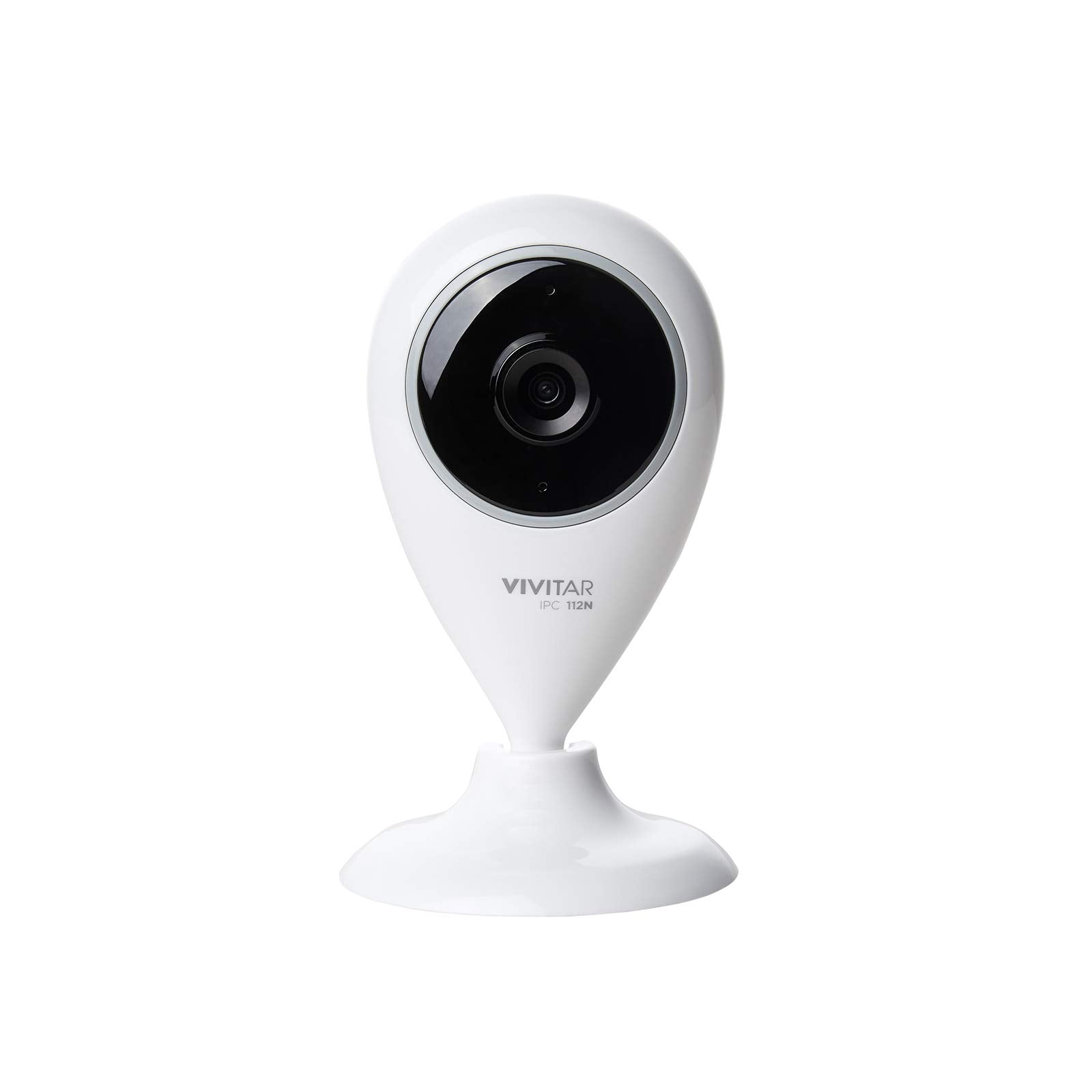
Vivitar Smart Home Security Camera, Indoor Wide Angle Wifi Camera For Home Security With Night Vision, Motion Alerts, 2 Way Comm
Regular price
$40.84 USD
Sale price
$40.84 USD
Regular price
$40.84 USD
Unit price
per
Shipping calculated at checkout.
Out of stock
Out of stock
Sold by CuteBabyBuy — Trusted baby & kids' products store, operated by AmiVentures Inc.
Returns accepted within 30 days | support@cutebabybuy.com
Shipping Information
- Free Standard Shipping — United States only
- Processing Time: 3–5 business days
- Estimated Delivery: 6–10 business days after dispatch
- Securely packed to ensure your purchase arrives in perfect condition
- Tracking number sent via email once dispatched
Returns & Refund
Returns accepted within 30 days of delivery.
Damaged or Defective Item
Free return shipping + replacement or full refund
Wrong Item Received
Free return shipping + replacement or full refund
Change of Mind
Return shipping at customer's expense · Item must be unused & in original packaging
All returns require a Return Authorization (RA) number before sending.
View Full Return & Refund Policy
Safety & Compliance
⚠️
California Proposition 65 Warning
Some products sold on this website may expose you to chemicals known to the State of California to cause cancer, birth defects, or other reproductive harm.
www.P65Warnings.ca.gov
🛒
General Product Safety Advisory
Always read the product label, instructions, and safety warnings before use. Do not use damaged or modified products. Store products in appropriate conditions as specified by the manufacturer.
Keep all products out of reach of children unless specifically designed for their use.
ℹ️
Product Authenticity & Notice
All products sold by CuteBabyBuy are 100% authentic, sourced directly from trusted suppliers in the USA. Product colors and dimensions may vary slightly from images due to screen calibration and manufacturing tolerances.
CuteBabyBuy — Operated by AmiVentures Inc. Delivered Nationwide.
Share
Couldn't load pickup availability
Guarantee safe and secure checkout
Description
Description
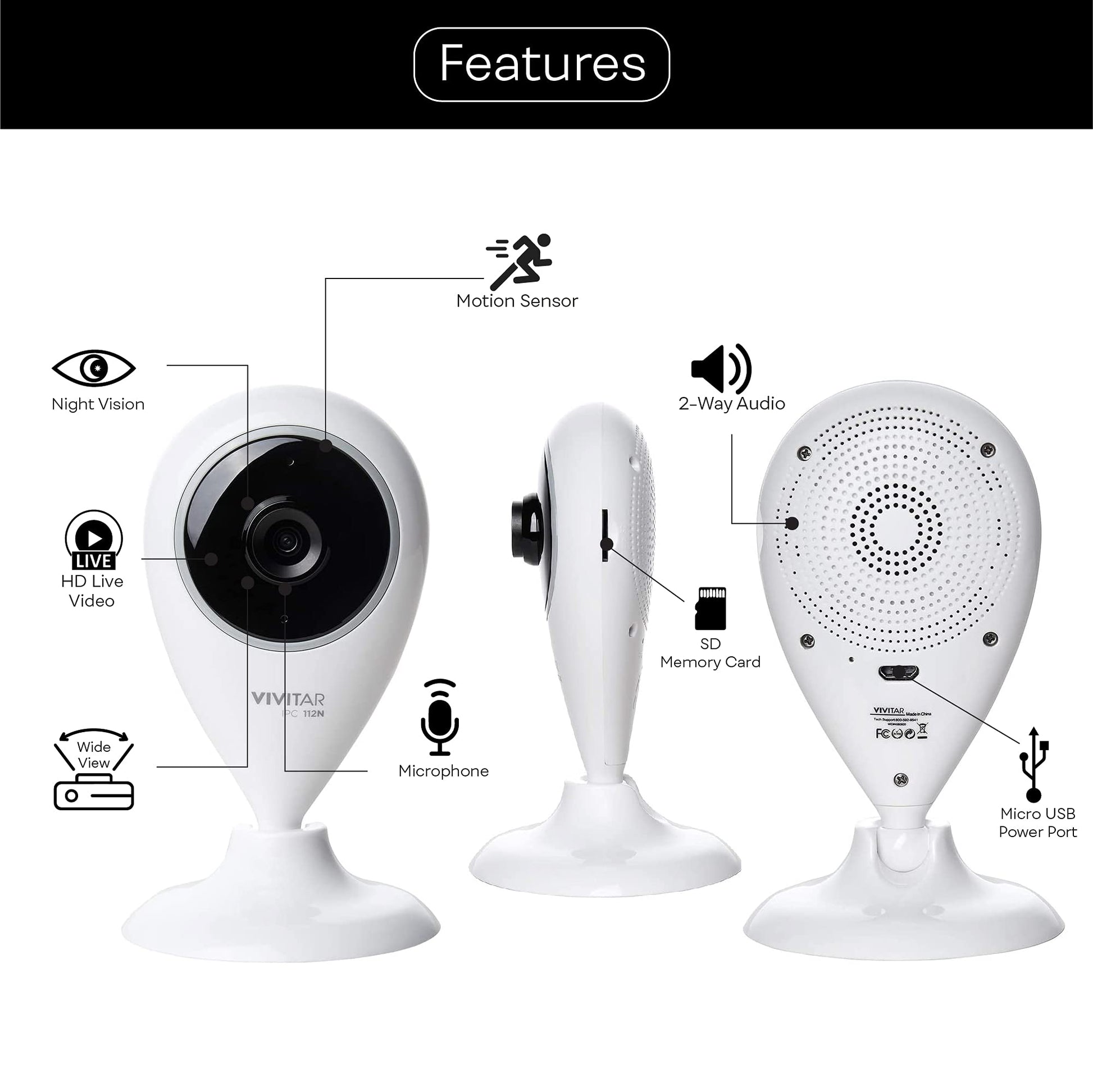
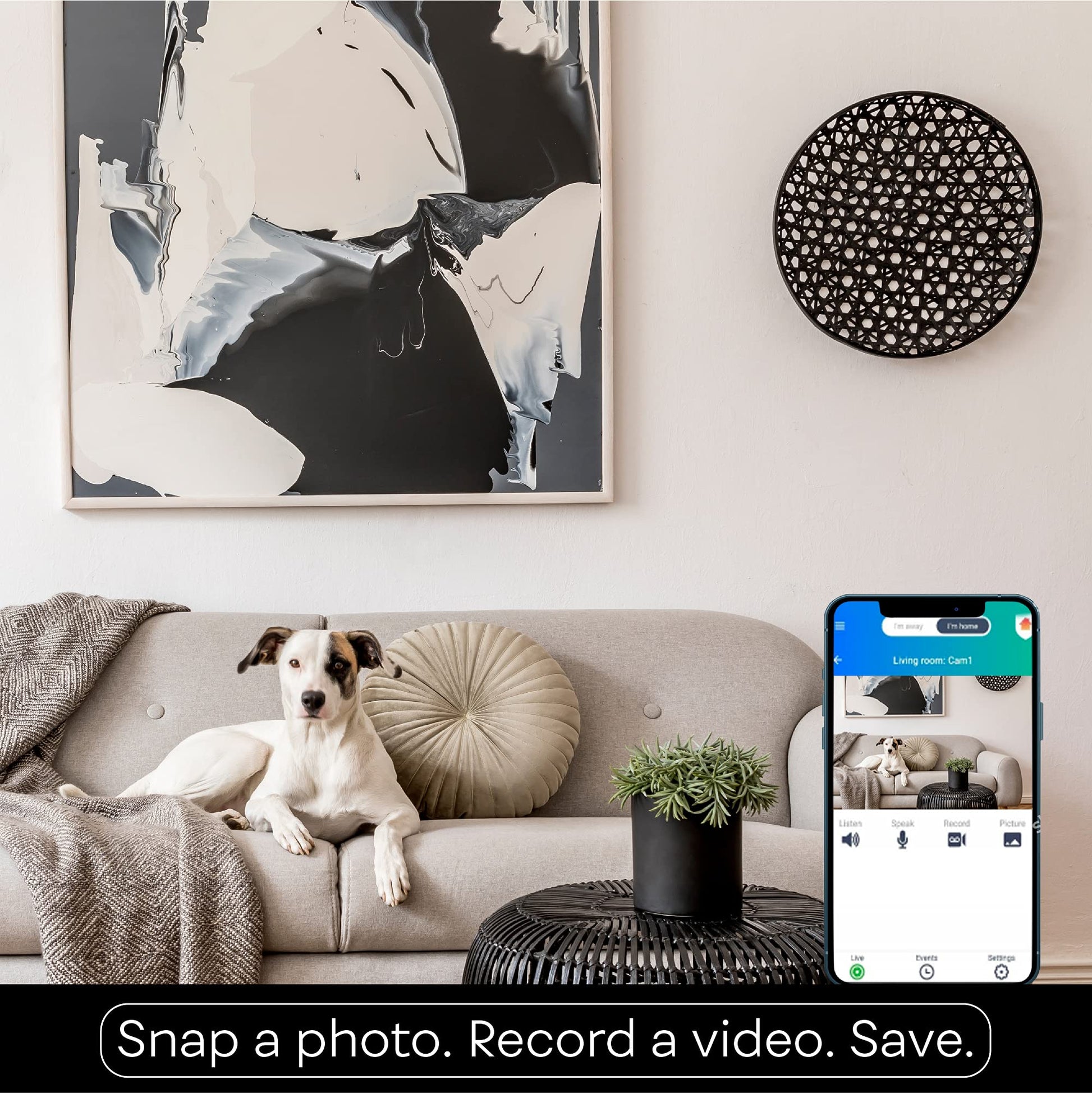
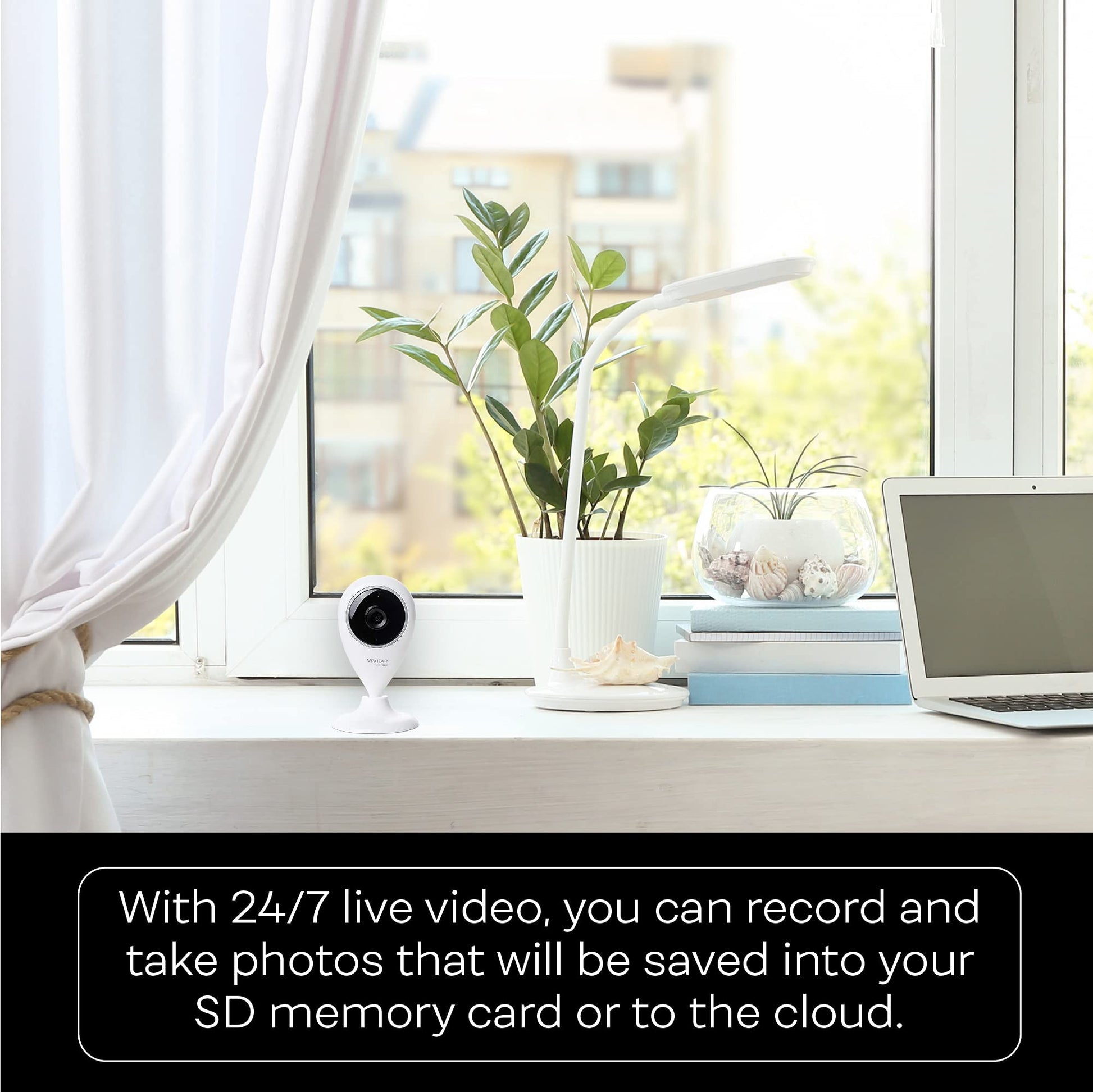
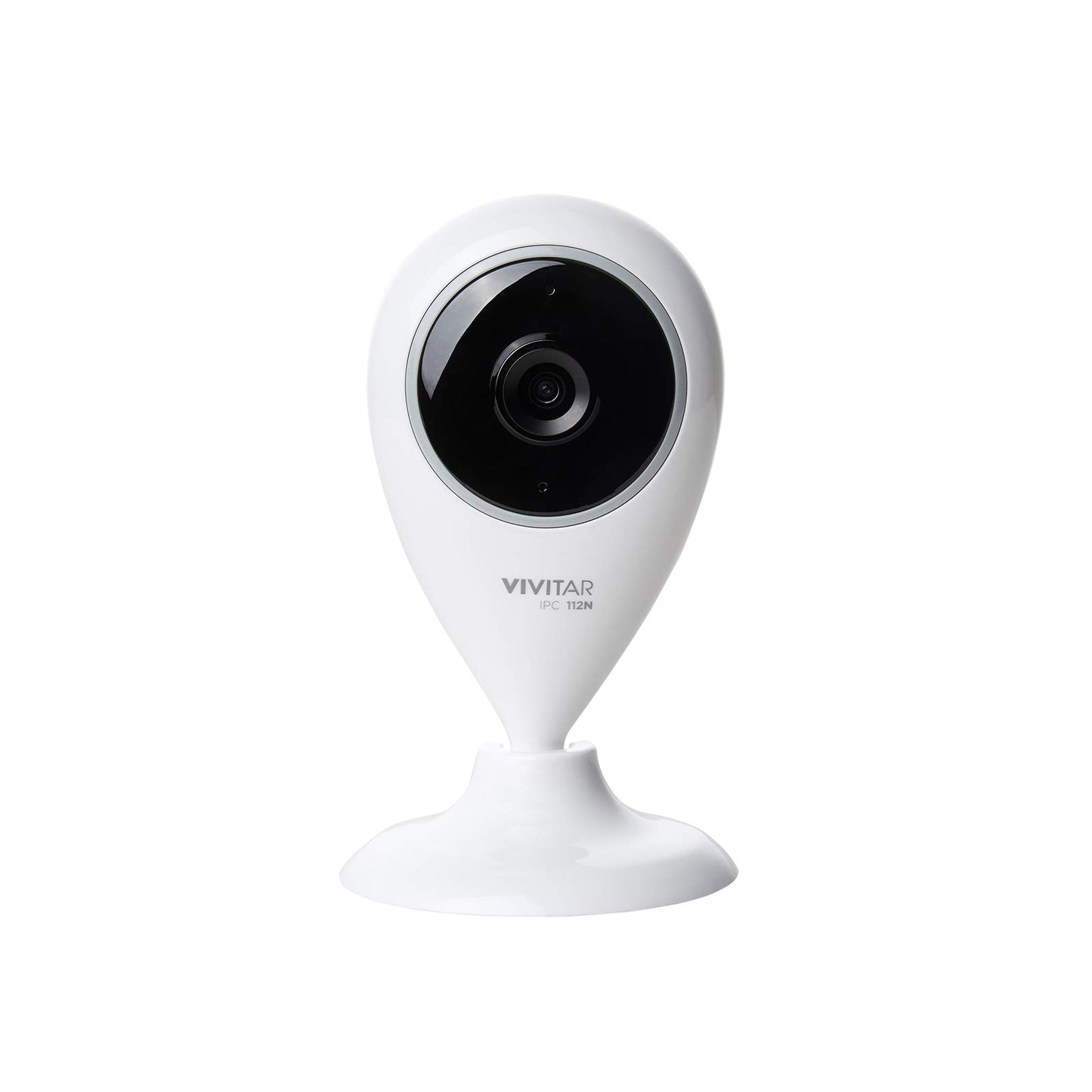
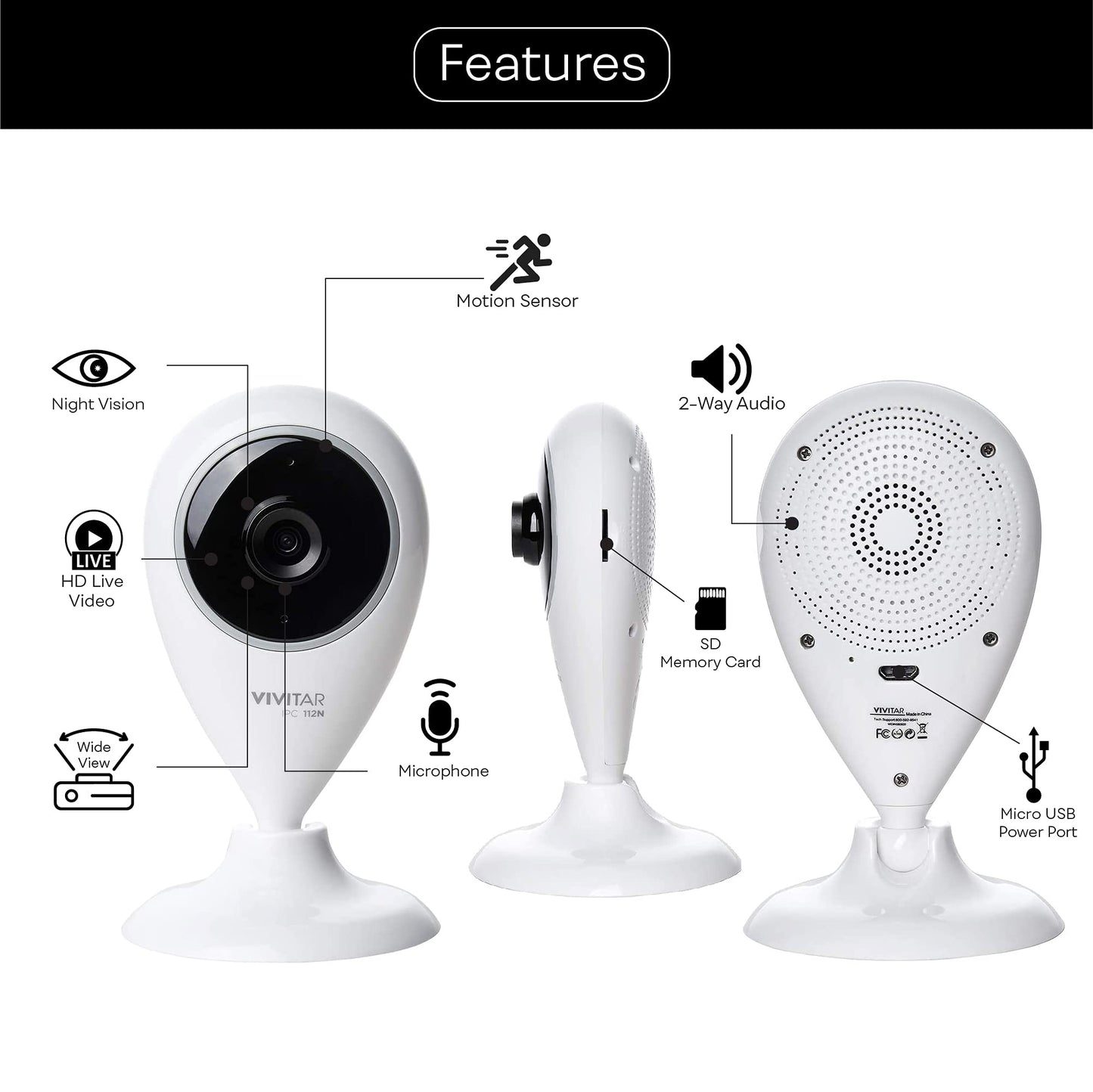
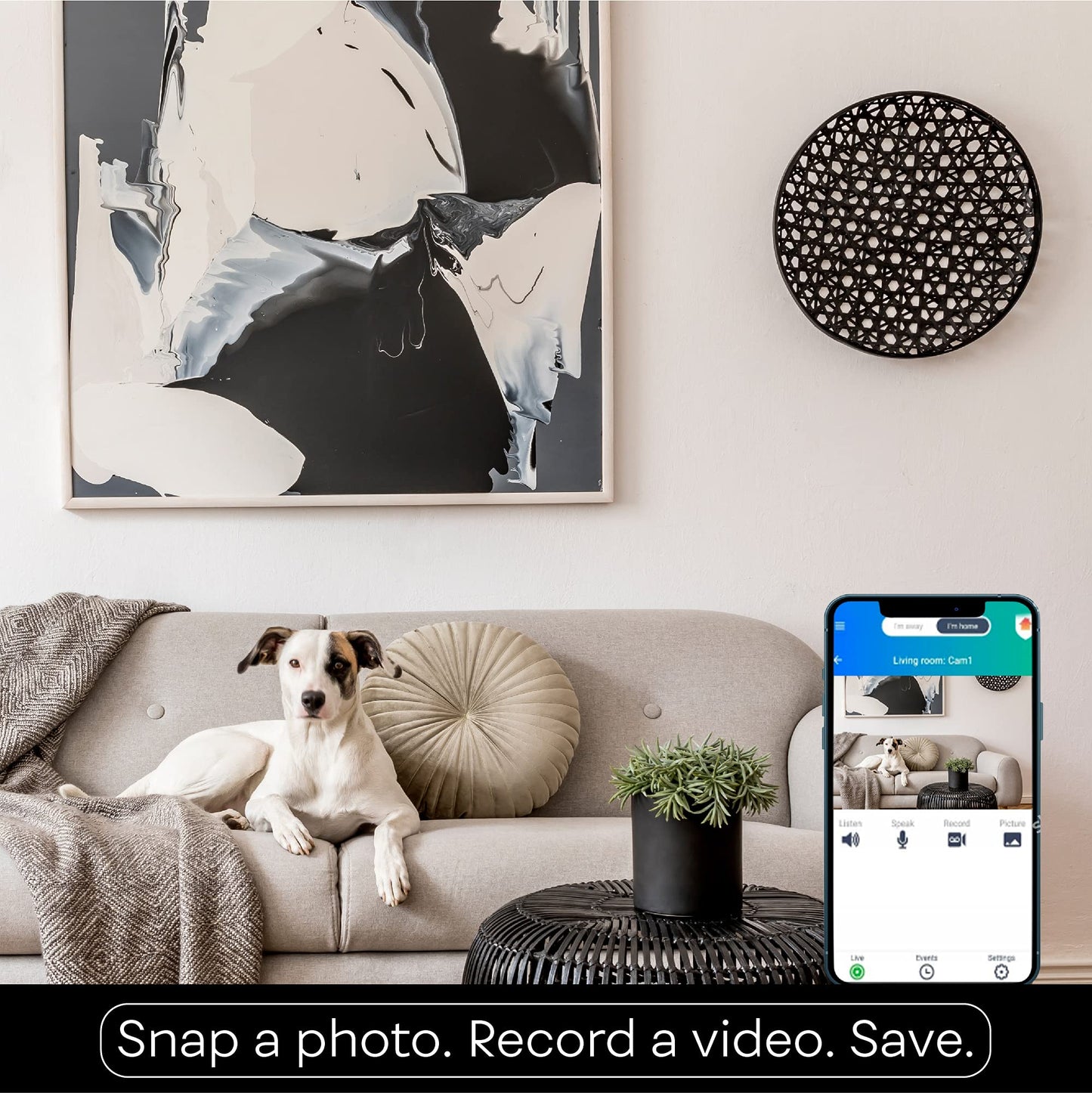
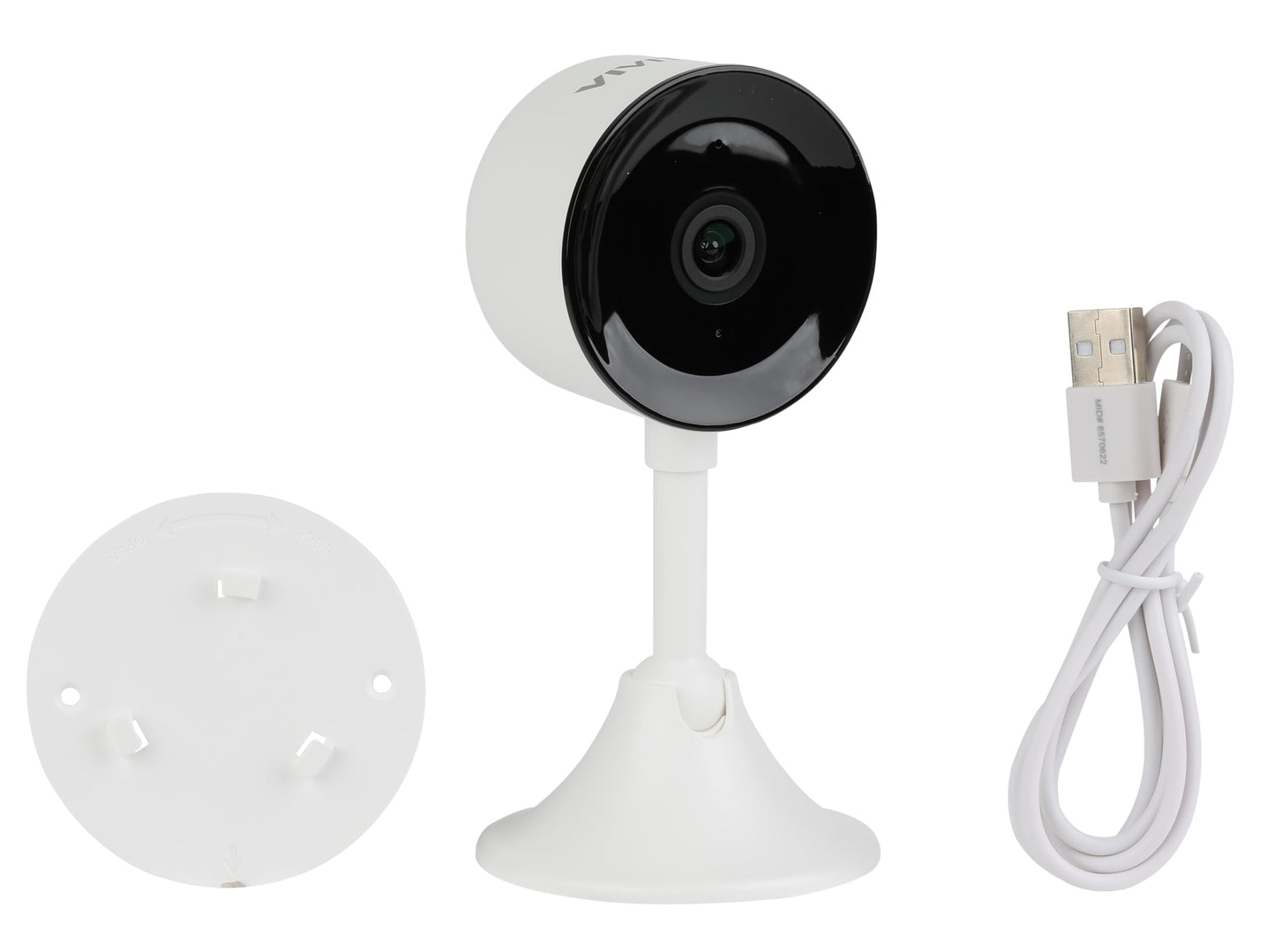
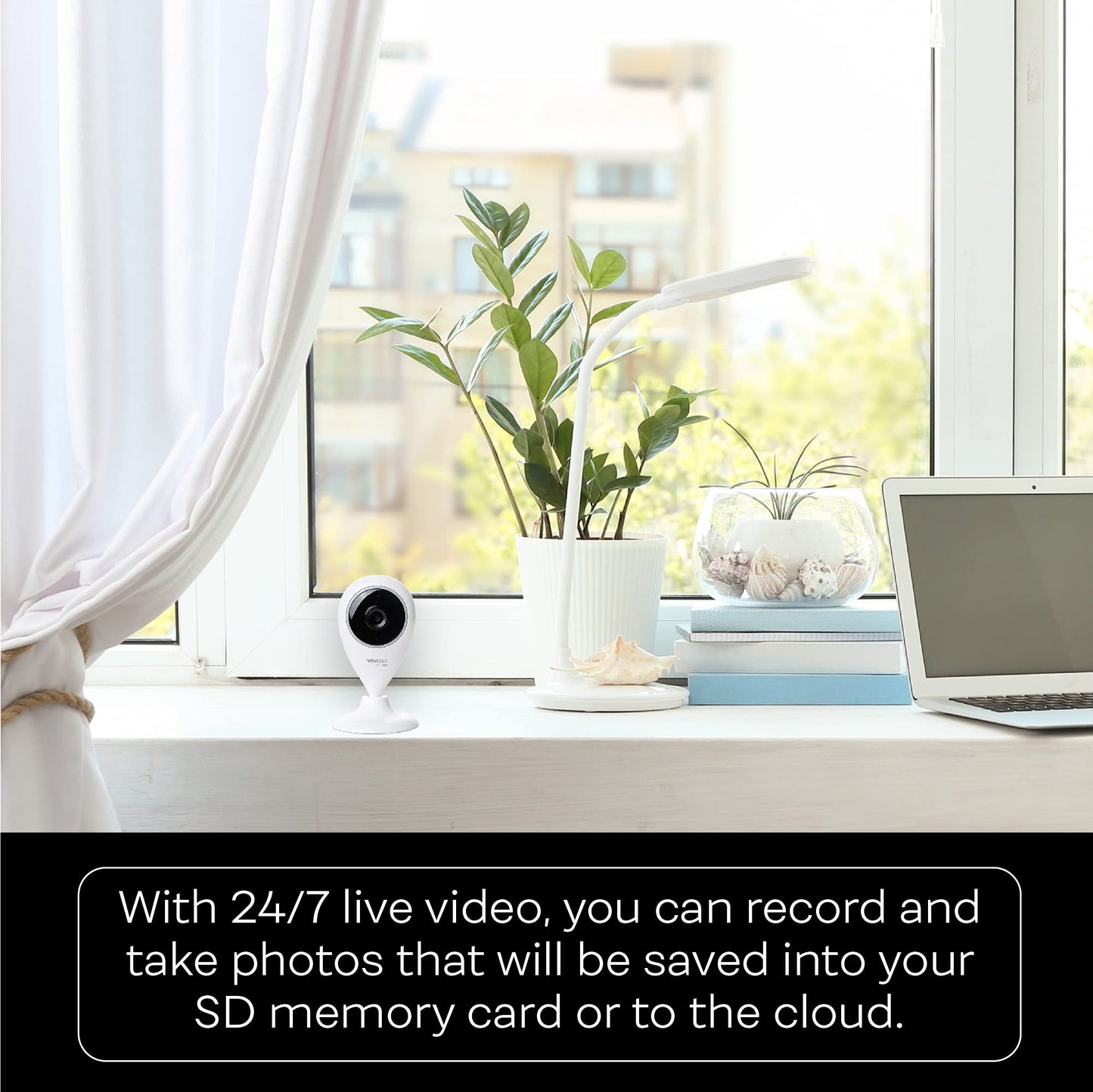
See whats going on when youre not home with Vivitars IPC-112 Capture Cam. Stream super clear HD video securely to your phone or tablet with the built-in app or over Wi-Fi. You can save your important moments with the available Micro SD card slot or over the cloud. Using your smartphone, you can chat with friends with the built-in 2 way microphone! With motion detection, night vision and multi-camera viewing angles know exactly what is going on when and where it happens.
Frequently Asked Questions
- Q: What are the dimensions of the Vivitar Smart Home Security Camera? A: The dimensions are four point zero two inches in length, four point zero two inches in width, and eight inches in height. This compact size makes it easy to install in various locations.
- Q: What is the video resolution of the security camera? A: The camera captures clear video in seven hundred twenty pixels. This resolution ensures you have a sharp view of your home security.
- Q: Does the camera come with a warranty? A: Yes, the Vivitar camera typically comes with a limited warranty. Be sure to check the specific warranty details included in the packaging.
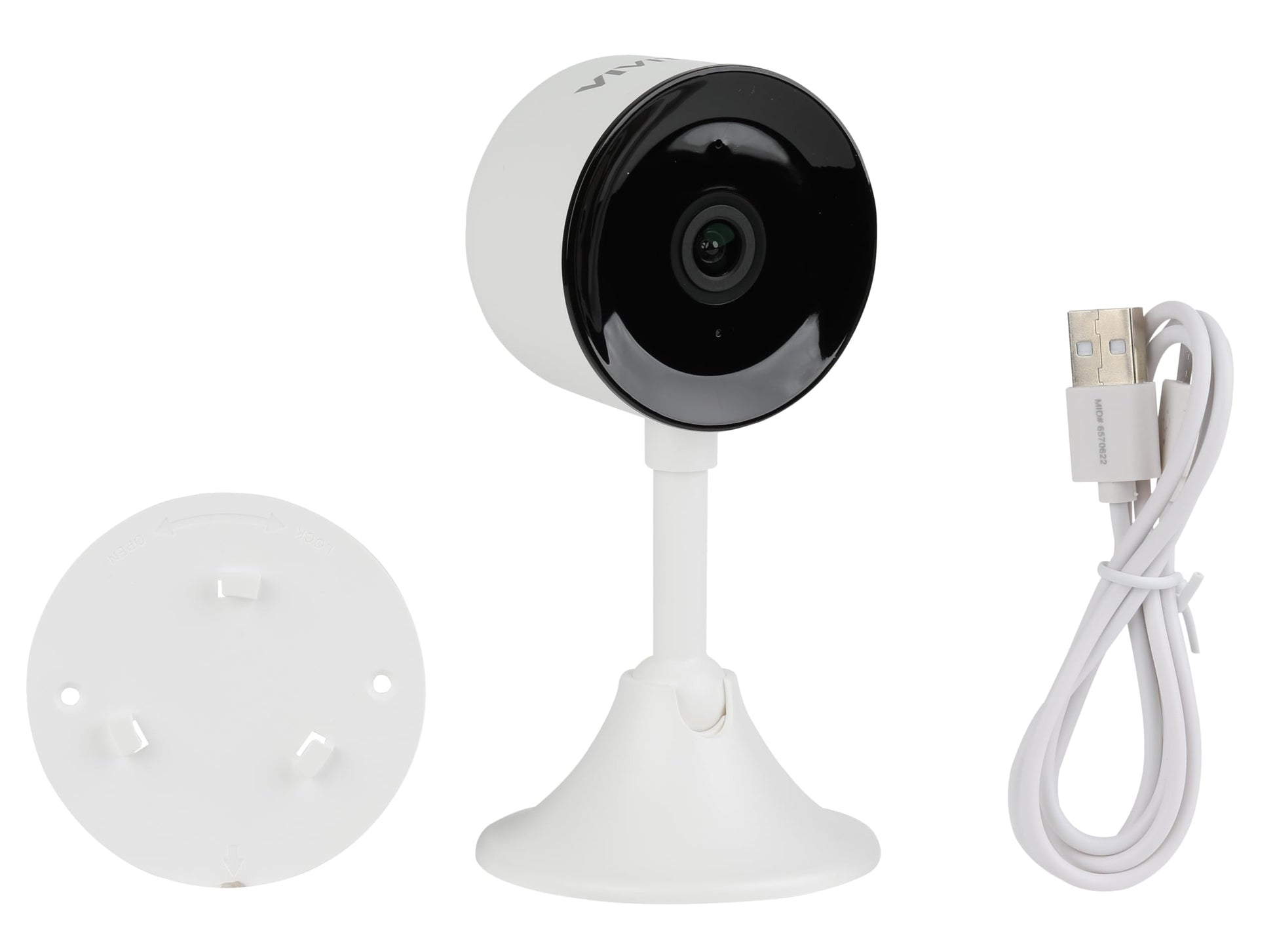
- Q: How do I install the Vivitar Smart Home Security Camera? A: To install, mount the camera using the included base on your desired surface, such as a wall or ceiling. Ensure it's positioned for optimal viewing angles.
- Q: Can I use this camera as a baby monitor? A: Yes, the camera features two-way audio, allowing you to listen and talk through the device. This makes it suitable for monitoring babies or pets.
- Q: Is the Vivitar camera compatible with both iOS and Android devices? A: Yes, this camera is compatible with both iOS and Android smartphones. You can easily connect via the mobile app for live monitoring.
- Q: How should I clean the Vivitar Smart Home Security Camera? A: To clean the camera, gently wipe the exterior with a soft, dry cloth. Avoid using harsh chemicals to prevent damage.
- Q: What are the storage options for the Vivitar camera? A: The camera supports expandable storage via a Micro SD card slot. You can increase your storage capacity by adding a compatible Micro SD card.
- Q: Does this camera have night vision capabilities? A: Yes, the Vivitar camera is equipped with night vision functionality. This feature allows you to see clearly in low-light conditions.
- Q: How do I access the video footage from the camera? A: You can access video footage through the mobile app on your smartphone or tablet. It allows you to view live streams and recorded clips.
- Q: Is the camera easy to set up? A: Yes, the Vivitar camera is designed for easy installation and setup. The mobile app guides you through the process for a seamless experience.
- Q: What should I do if the camera is not connecting to Wi-Fi? A: If the camera isn't connecting, ensure your Wi-Fi network is operational and that you are entering the correct password. You may also restart the camera and try again.
- Q: Are there any subscription fees for using the cloud storage? A: Yes, while the camera allows local storage via Micro SD, cloud storage may require a subscription fee for extended features. Check the app for specific details.
- Q: Can I monitor multiple cameras with one app? A: Yes, the app supports multiple camera views, allowing you to monitor several Vivitar cameras simultaneously for comprehensive home security.
- Q: What color is the Vivitar Smart Home Security Camera? A: The camera is available in a sleek white color. This neutral color allows it to blend easily into various home decors.