
You will not be allowed to compare more than 4 products at a time
View comparePetcube Cam 360 Camera Interactive Wifi Pet And Home Security Pan-Tilt Camera With Phone App, 1080P Hd Video, 360 Rotation, Nigh
Petcube Cam 360 Camera Interactive Wifi Pet And Home Security Pan-Tilt Camera With Phone App, 1080P Hd Video, 360 Rotation, Nigh
Regular price
$63.21 USD
Sale price
$63.21 USD
Regular price
$63.21 USD
Unit price
per
Shipping calculated at checkout.
Out of stock
Out of stock
Sold by CuteBabyBuy — Trusted baby & kids' products store, operated by AmiVentures Inc.
Returns accepted within 30 days | support@cutebabybuy.com
Shipping Information
- Free Standard Shipping — United States only
- Processing Time: 3–5 business days
- Estimated Delivery: 6–10 business days after dispatch
- Securely packed to ensure your purchase arrives in perfect condition
- Tracking number sent via email once dispatched
Returns & Refund
Returns accepted within 30 days of delivery.
Damaged or Defective Item
Free return shipping + replacement or full refund
Wrong Item Received
Free return shipping + replacement or full refund
Change of Mind
Return shipping at customer's expense · Item must be unused & in original packaging
All returns require a Return Authorization (RA) number before sending.
View Full Return & Refund Policy
Safety & Compliance
⚠️
California Proposition 65 Warning
Some products sold on this website may expose you to chemicals known to the State of California to cause cancer, birth defects, or other reproductive harm.
www.P65Warnings.ca.gov
🛒
General Product Safety Advisory
Always read the product label, instructions, and safety warnings before use. Do not use damaged or modified products. Store products in appropriate conditions as specified by the manufacturer.
Keep all products out of reach of children unless specifically designed for their use.
ℹ️
Product Authenticity & Notice
All products sold by CuteBabyBuy are 100% authentic, sourced directly from trusted suppliers in the USA. Product colors and dimensions may vary slightly from images due to screen calibration and manufacturing tolerances.
CuteBabyBuy — Operated by AmiVentures Inc. Delivered Nationwide.
Share
Couldn't load pickup availability
Guarantee safe and secure checkout
Description
Description
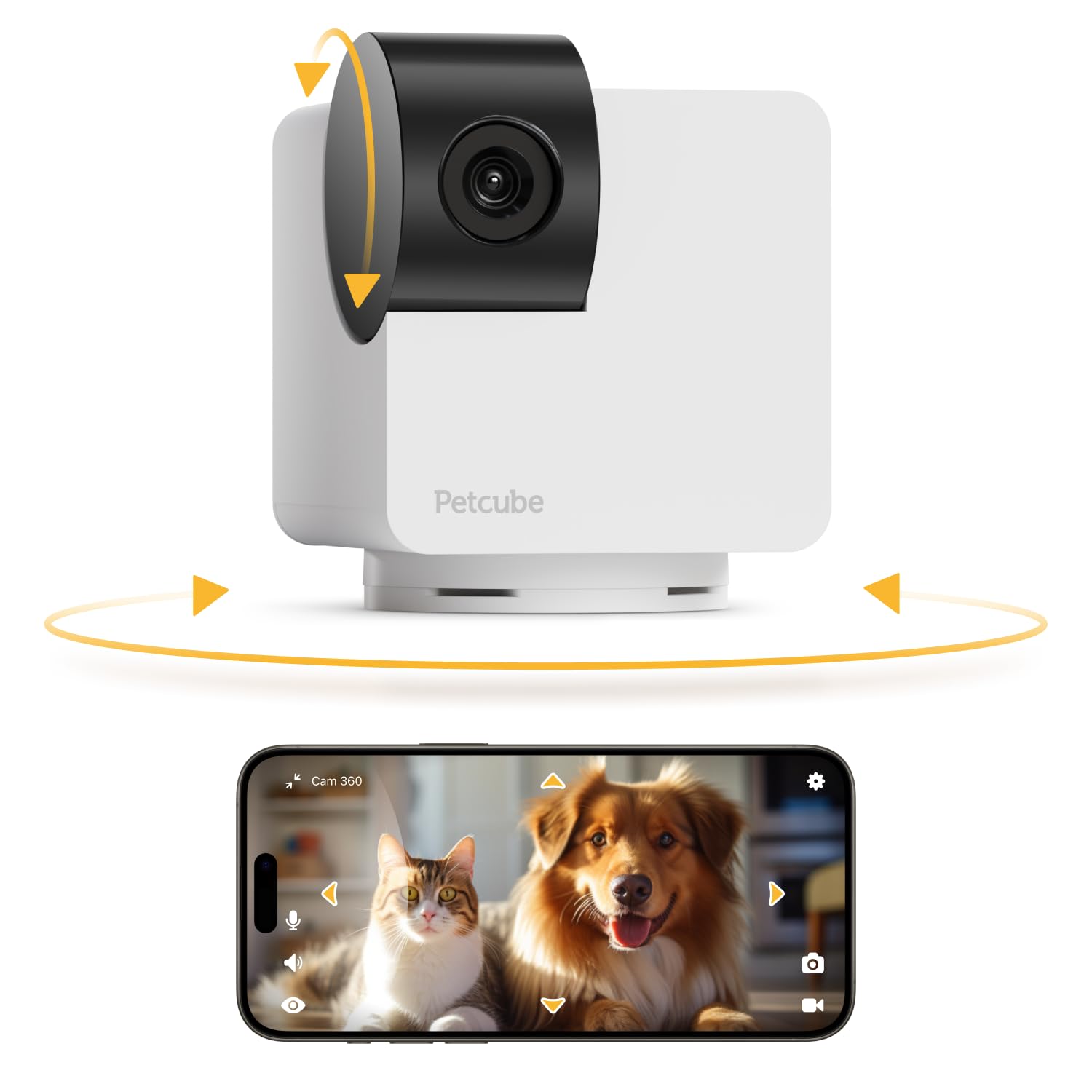
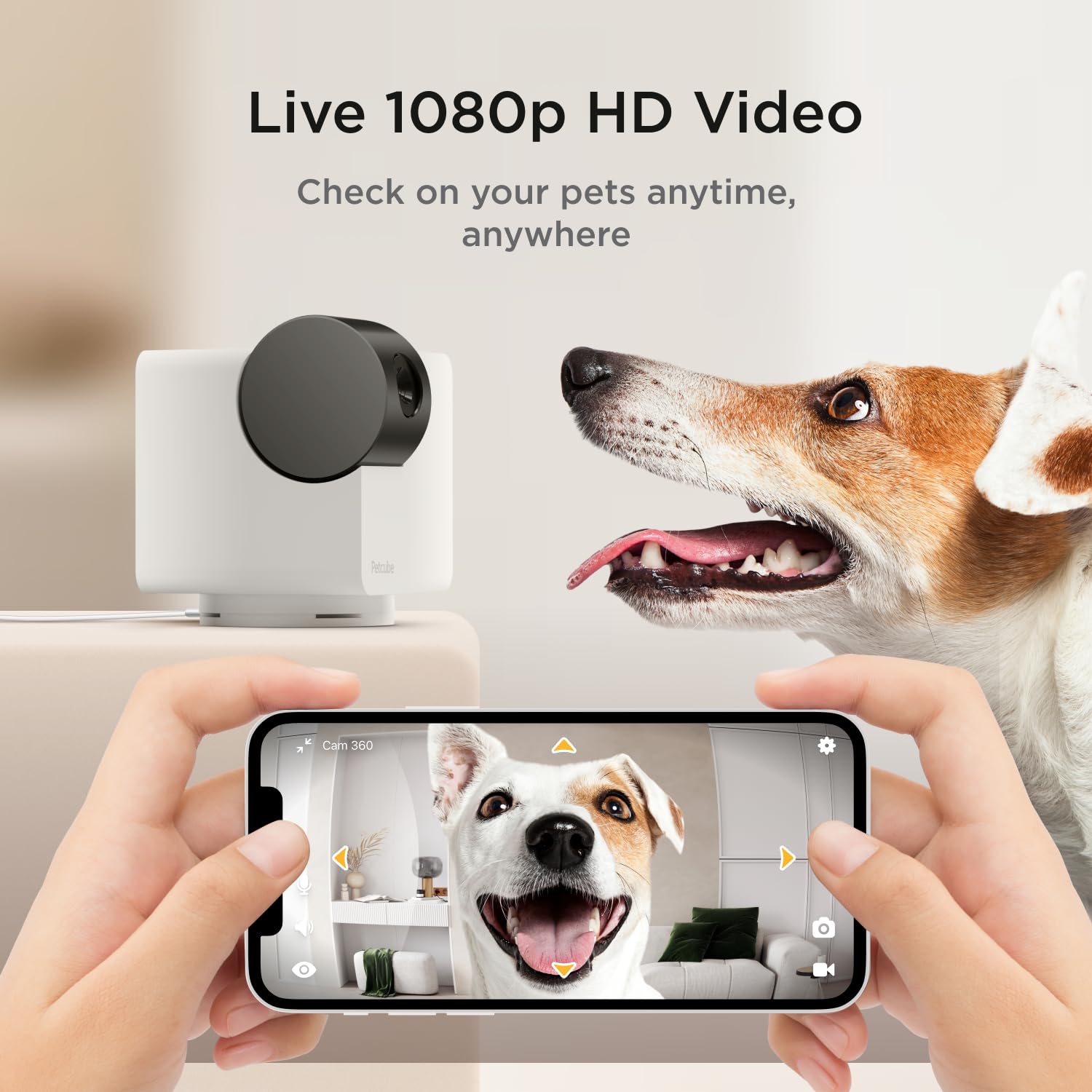
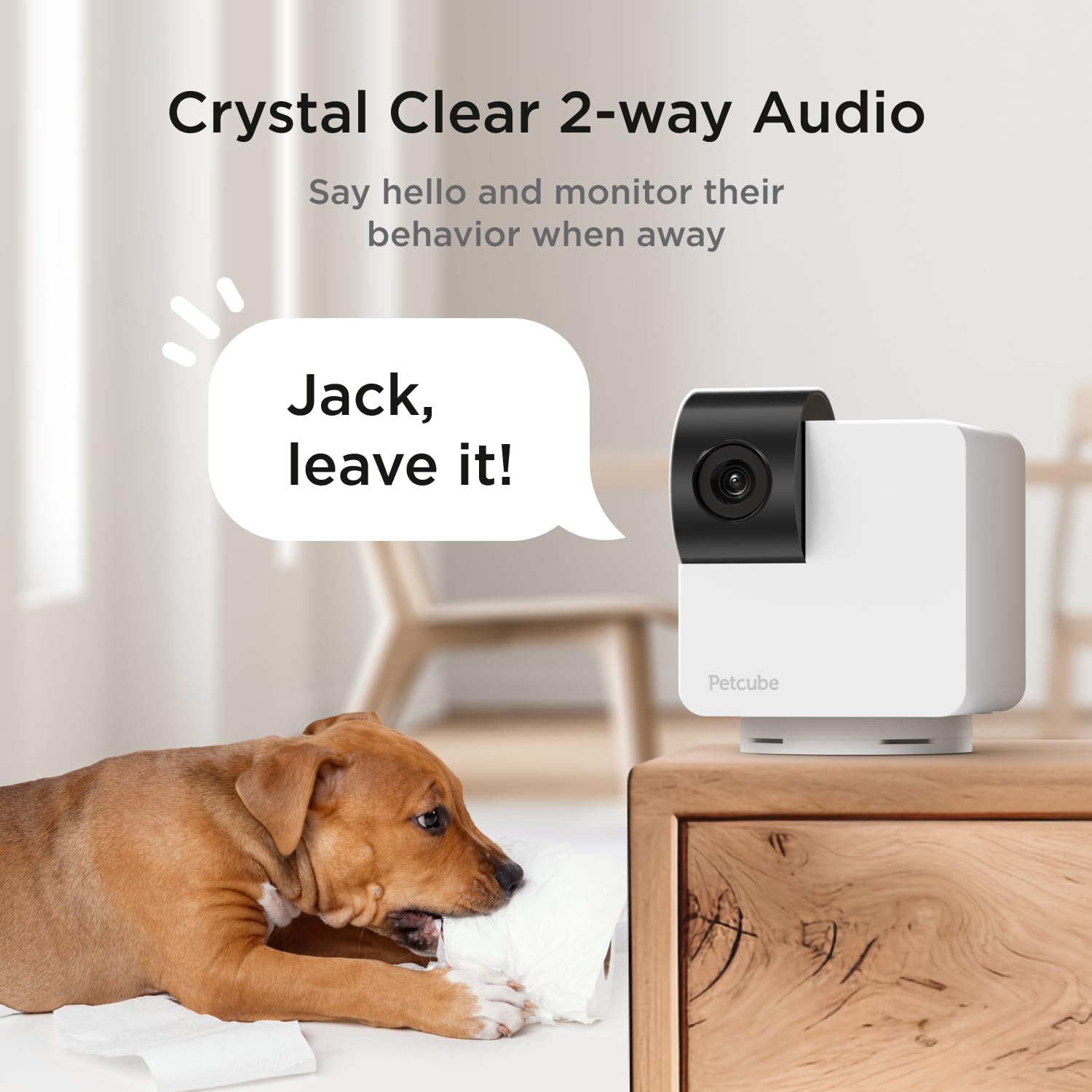
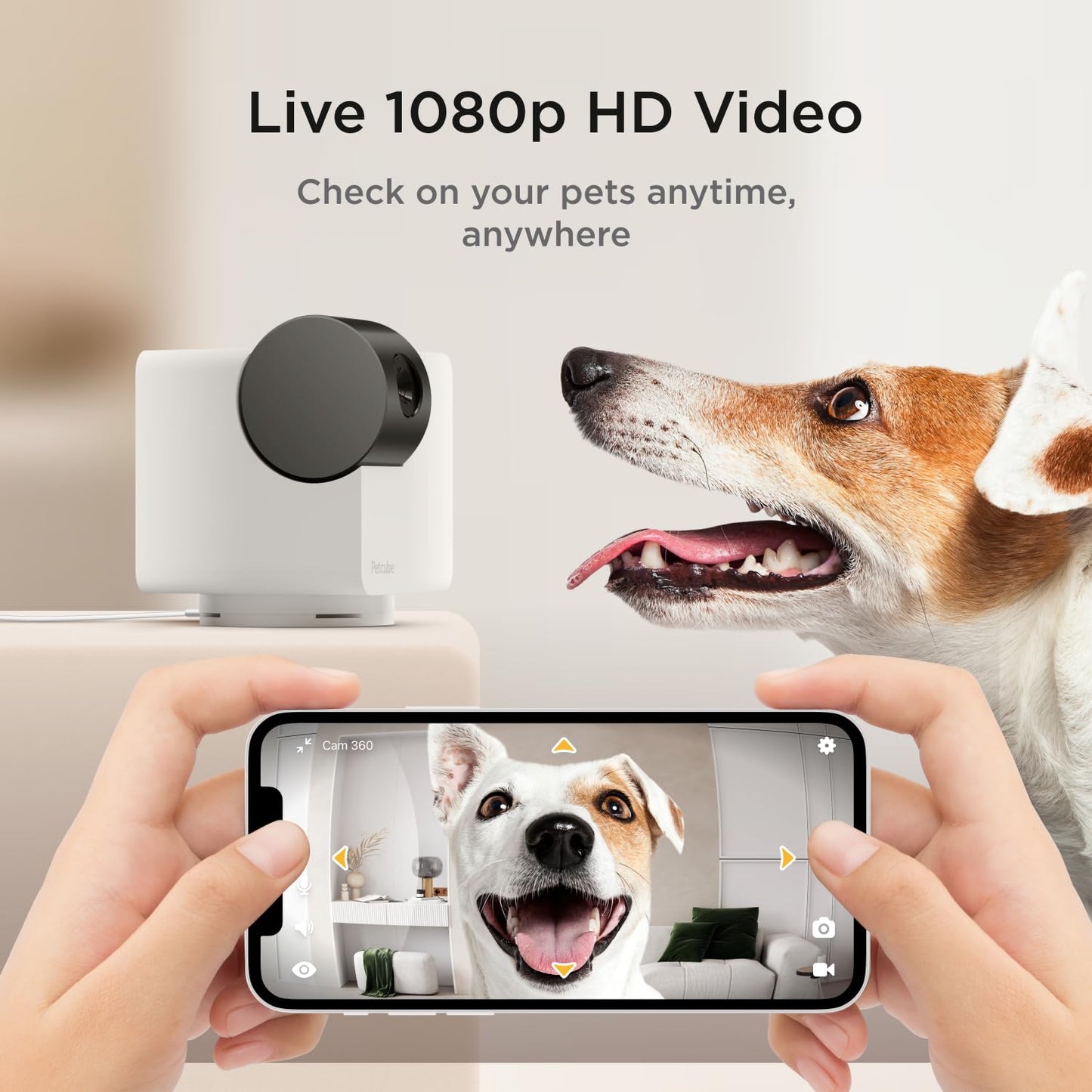
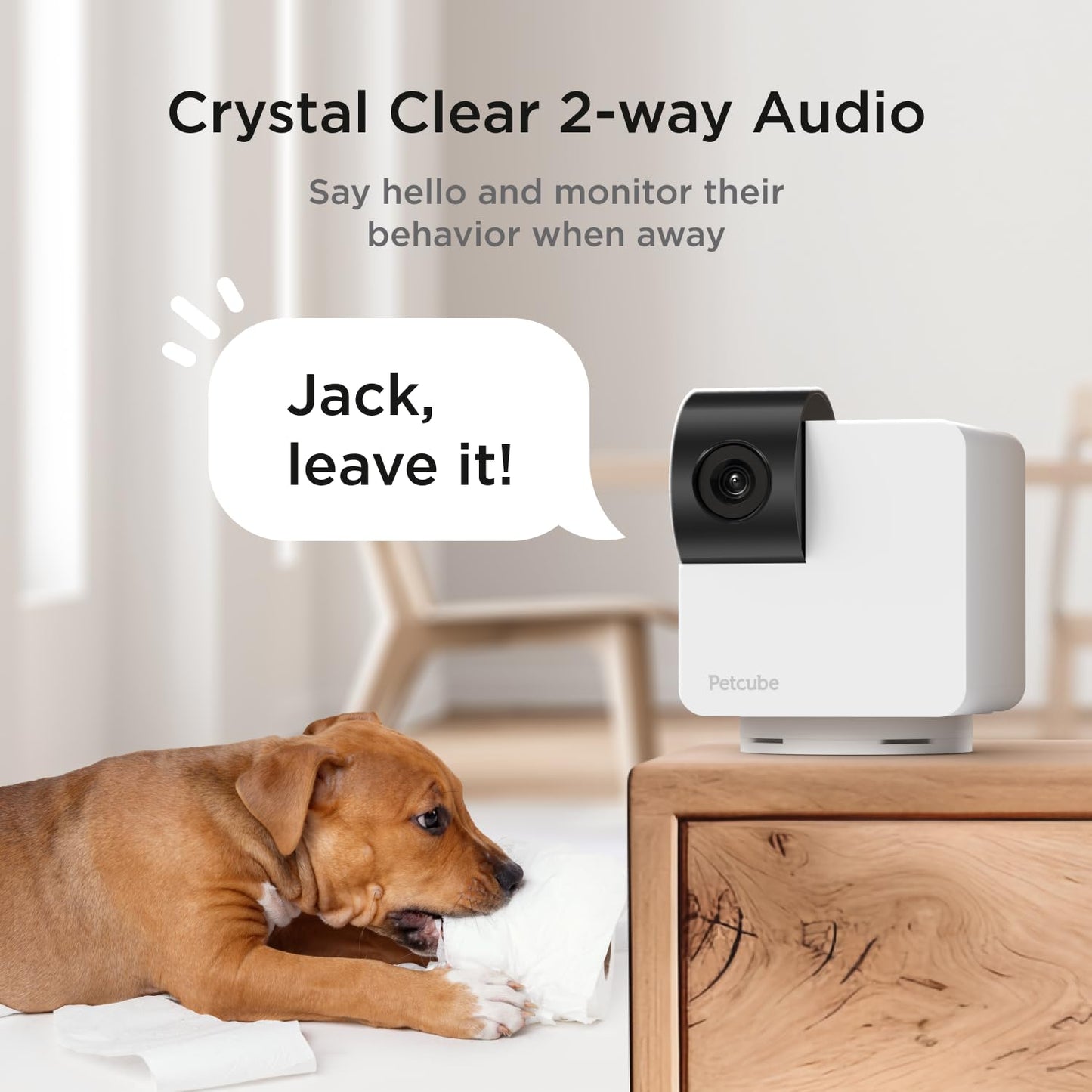
Check-in on your pet or home any time of the day with 1080p full HD live streaming video, 110 wide-angle view, 8x digital zoom. The camera will auto switch to night vision when it's dark. Night visibility up to 30 feet, so you can see things sharp and clear in low light and no-light conditions. Say hello, soothe your pet, or prevent destructive behavior by telling them to stop if you catch them at mischief. Petcube Cam provides a natural, life-like sound for your pet to recognize your voice and not get scared or confused. Get notified of major disturbances with real-time alerts, triggered by sound and/or motion at home. Tune in to see what your pet is up to. This is the perfect camera for home security, as well as a home surveillance system.
Frequently Asked Questions
- Q: What are the dimensions of the Petcube Cam 360? A: The dimensions of the Petcube Cam 360 are two point two inches in length, two point two inches in width, and two point seventy-two inches in height. This compact size allows for easy placement in various locations around your home.
- Q: What video quality does the Petcube Cam 360 provide? A: The Petcube Cam 360 provides one thousand eighty p HD video quality. This ensures that you receive clear and sharp video footage of your pet or home.
- Q: Does the Petcube Cam 360 support night vision? A: Yes, the Petcube Cam 360 supports night vision. It can see up to thirty feet in the dark, allowing you to monitor your space even in low light conditions.
- Q: How do I set up the Petcube Cam 360? A: To set up the Petcube Cam 360, download the Petcube app, plug the camera into a power outlet, and connect it to your two point four gigahertz WiFi network. The process is straightforward and user-friendly.
- Q: Can I use the Petcube Cam 360 to talk to my pet? A: Yes, you can use the Petcube Cam 360 to talk to your pet. It features human-like two-way audio, allowing you to chat with your pet and hear their responses.
- Q: Is the Petcube Cam 360 suitable for home security? A: Yes, the Petcube Cam 360 is suitable for home security. It provides real-time alerts for motion and sound, making it a great choice for monitoring your home.
- Q: How do I clean the Petcube Cam 360? A: To clean the Petcube Cam 360, use a soft, dry cloth to wipe the surface. Avoid using any harsh chemicals or abrasive materials that could damage the camera.
- Q: What should I do if my Petcube Cam 360 arrives damaged? A: If your Petcube Cam 360 arrives damaged, contact customer support immediately for assistance. They can guide you through the return or replacement process.
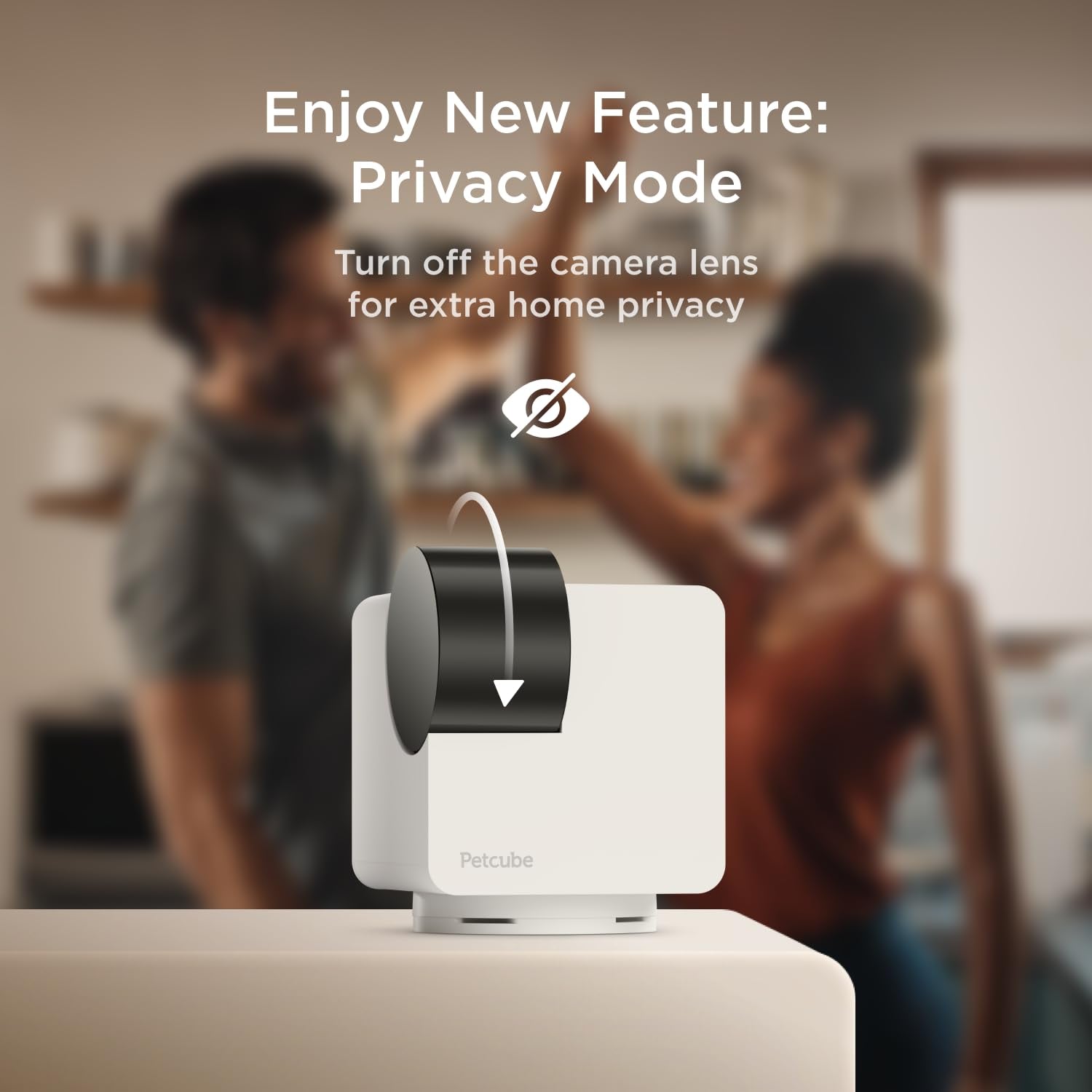
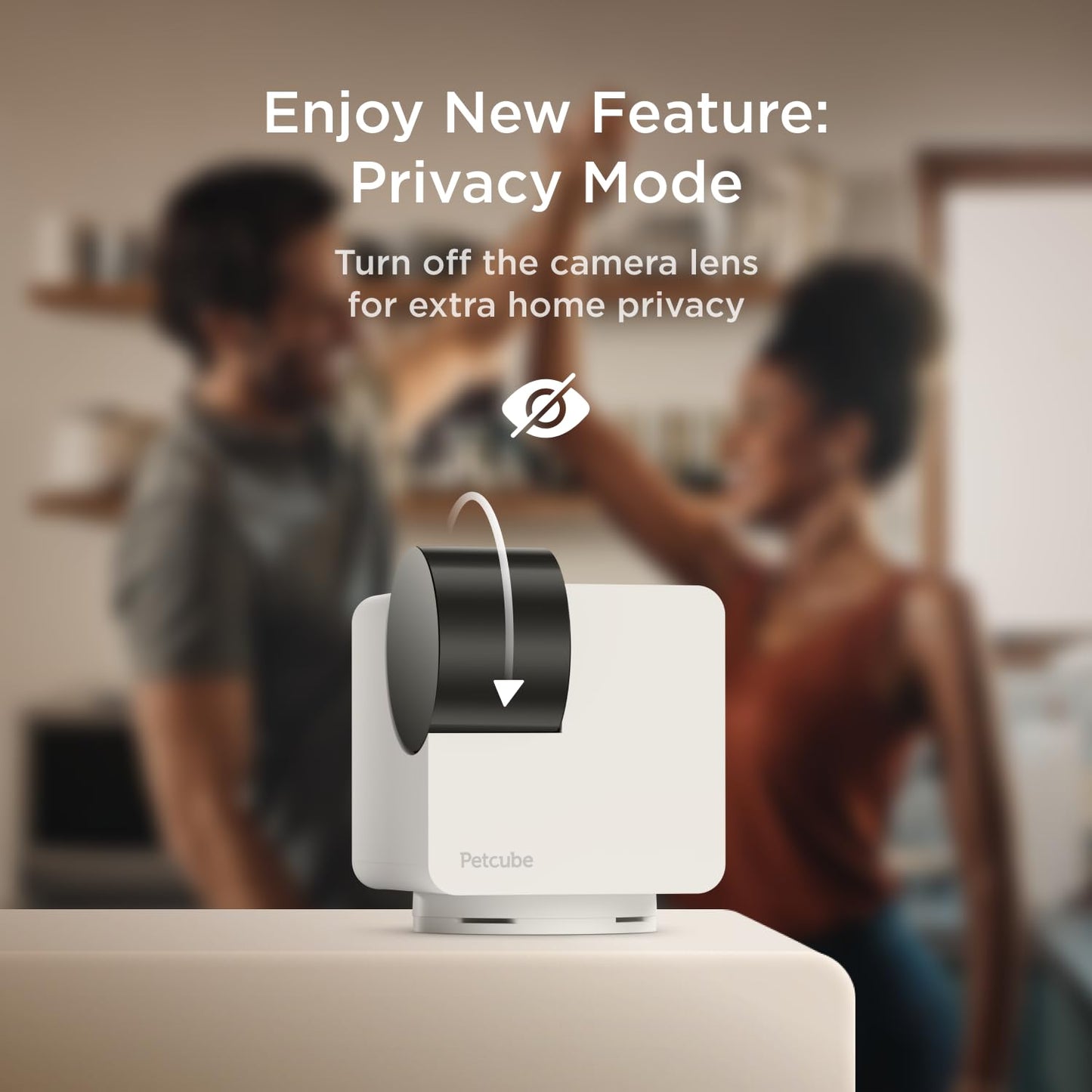
- Q: What features does the Petcube Cam 360 have for privacy? A: The Petcube Cam 360 includes a privacy mode feature and advanced encryption. You can block the lens view physically via the app for added privacy.
- Q: Does the Petcube Cam 360 require a subscription for all features? A: No, a subscription is not required for basic features, but for advanced services like AI-tailored alerts and activity replay, a subscription to Petcube Care is necessary.
- Q: How far can the camera see with night vision? A: The Petcube Cam 360 can see up to thirty feet with night vision. This allows for clear visibility even in dark environments.
- Q: Is the Petcube Cam 360 easy to install? A: Yes, the Petcube Cam 360 is designed for easy installation. Simply download the app, plug the camera in, and connect to your WiFi.
- Q: What type of WiFi does the Petcube Cam 360 support? A: The Petcube Cam 360 supports two point four gigahertz WiFi networks. It does not support five gigahertz networks.
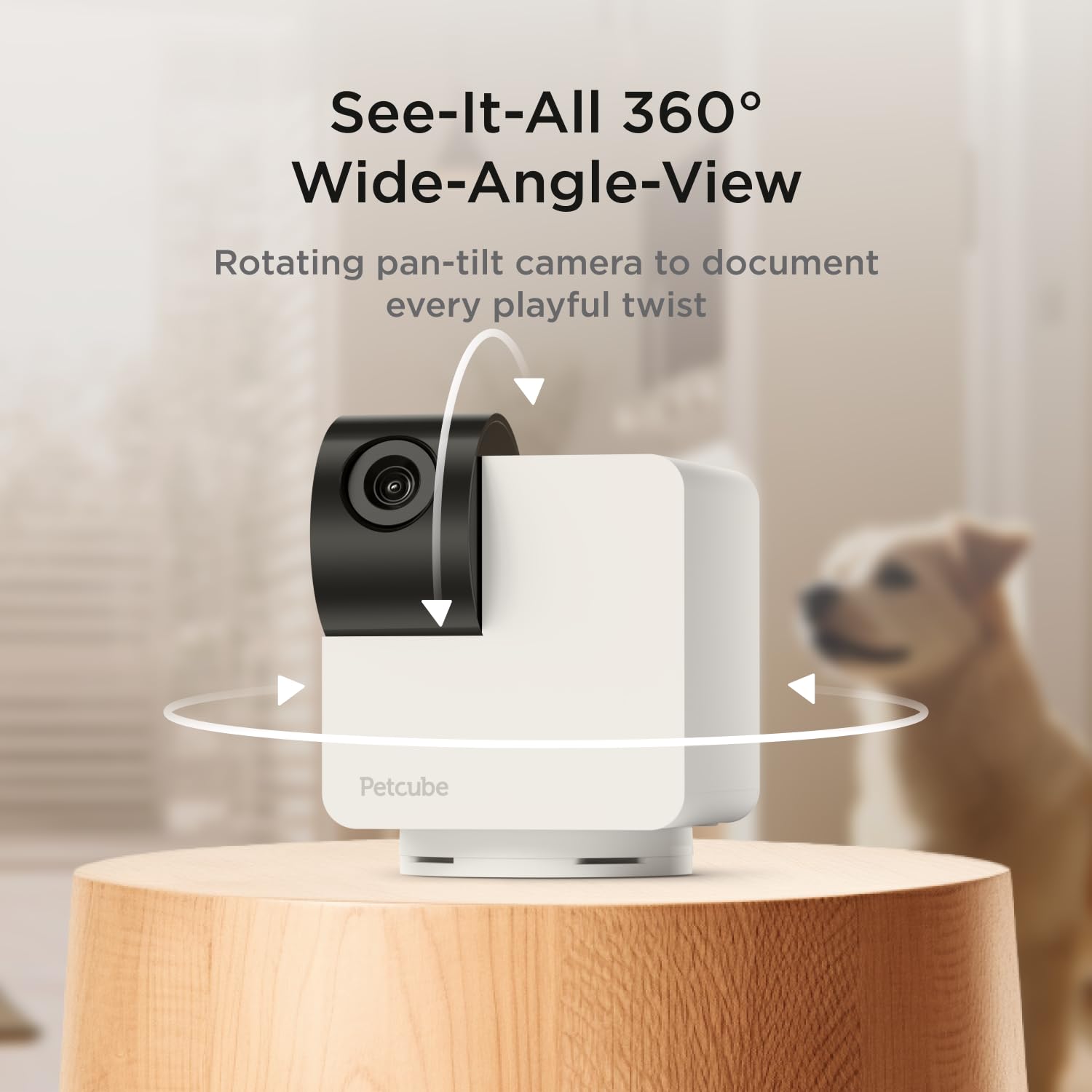
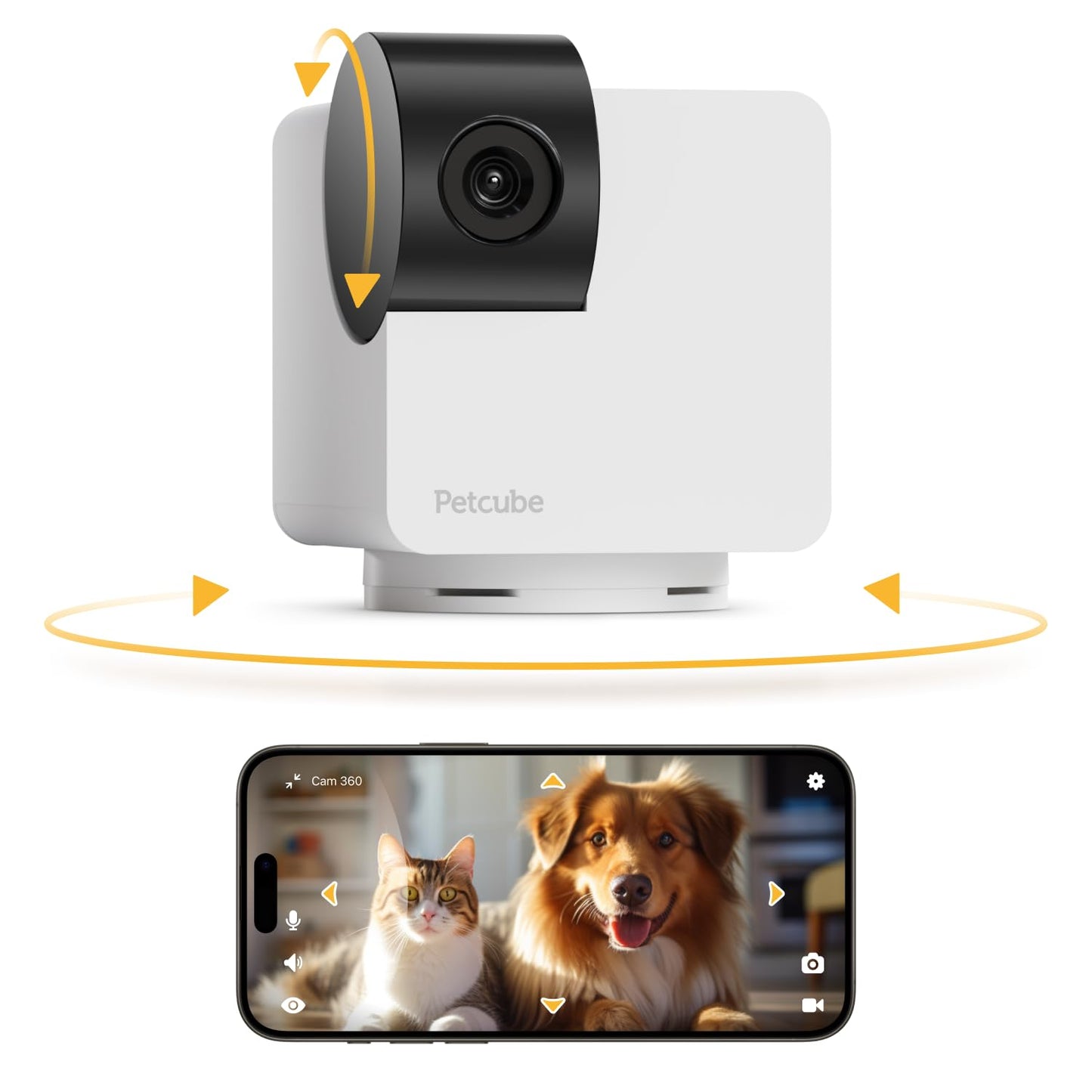
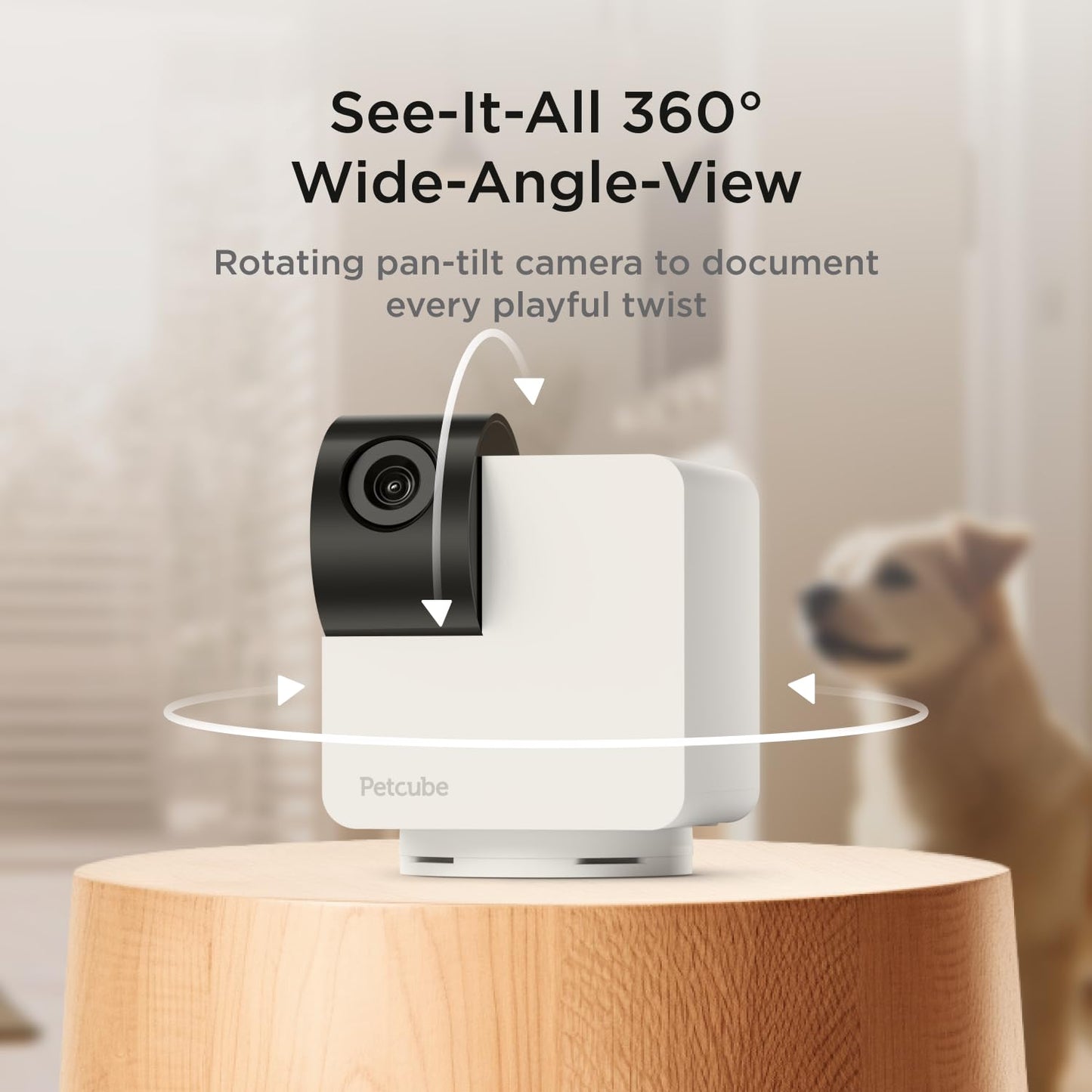
- Q: Can I adjust the camera angle remotely? A: Yes, you can adjust the camera angle remotely with the pan-tilt feature. This allows you to cover a full room with ease.
- Q: What kind of alerts does the Petcube Cam 360 provide? A: The Petcube Cam 360 provides real-time alerts for motion and sound detection. You can customize these alerts based on your preferences.