


You will not be allowed to compare more than 4 products at a time
View compareOwlet Cam 2 - Smart Baby Monitor Camera - Stream Secure Hd Video And Audio With Night Vision, 4X Zoom, Wide Angle View And Sound
Owlet Cam 2 - Smart Baby Monitor Camera - Stream Secure Hd Video And Audio With Night Vision, 4X Zoom, Wide Angle View And Sound
Regular price
$210.59 USD
Sale price
$210.59 USD
Regular price
$210.59 USD
Unit price
per
Shipping calculated at checkout.
Out of stock
Out of stock
Sold by CuteBabyBuy — Trusted baby & kids' products store, operated by AmiVentures Inc.
Returns accepted within 30 days | support@cutebabybuy.com
Shipping Information
- Free Standard Shipping — United States only
- Processing Time: 3–5 business days
- Estimated Delivery: 6–10 business days after dispatch
- Securely packed to ensure your purchase arrives in perfect condition
- Tracking number sent via email once dispatched
Returns & Refund
Returns accepted within 30 days of delivery.
Damaged or Defective Item
Free return shipping + replacement or full refund
Wrong Item Received
Free return shipping + replacement or full refund
Change of Mind
Return shipping at customer's expense · Item must be unused & in original packaging
All returns require a Return Authorization (RA) number before sending.
View Full Return & Refund Policy
Safety & Compliance
⚠️
California Proposition 65 Warning
Some products sold on this website may expose you to chemicals known to the State of California to cause cancer, birth defects, or other reproductive harm.
www.P65Warnings.ca.gov
🛒
General Product Safety Advisory
Always read the product label, instructions, and safety warnings before use. Do not use damaged or modified products. Store products in appropriate conditions as specified by the manufacturer.
Keep all products out of reach of children unless specifically designed for their use.
ℹ️
Product Authenticity & Notice
All products sold by CuteBabyBuy are 100% authentic, sourced directly from trusted suppliers in the USA. Product colors and dimensions may vary slightly from images due to screen calibration and manufacturing tolerances.
CuteBabyBuy — Operated by AmiVentures Inc. Delivered Nationwide.
Share
Couldn't load pickup availability
Guarantee safe and secure checkout
Description
Description
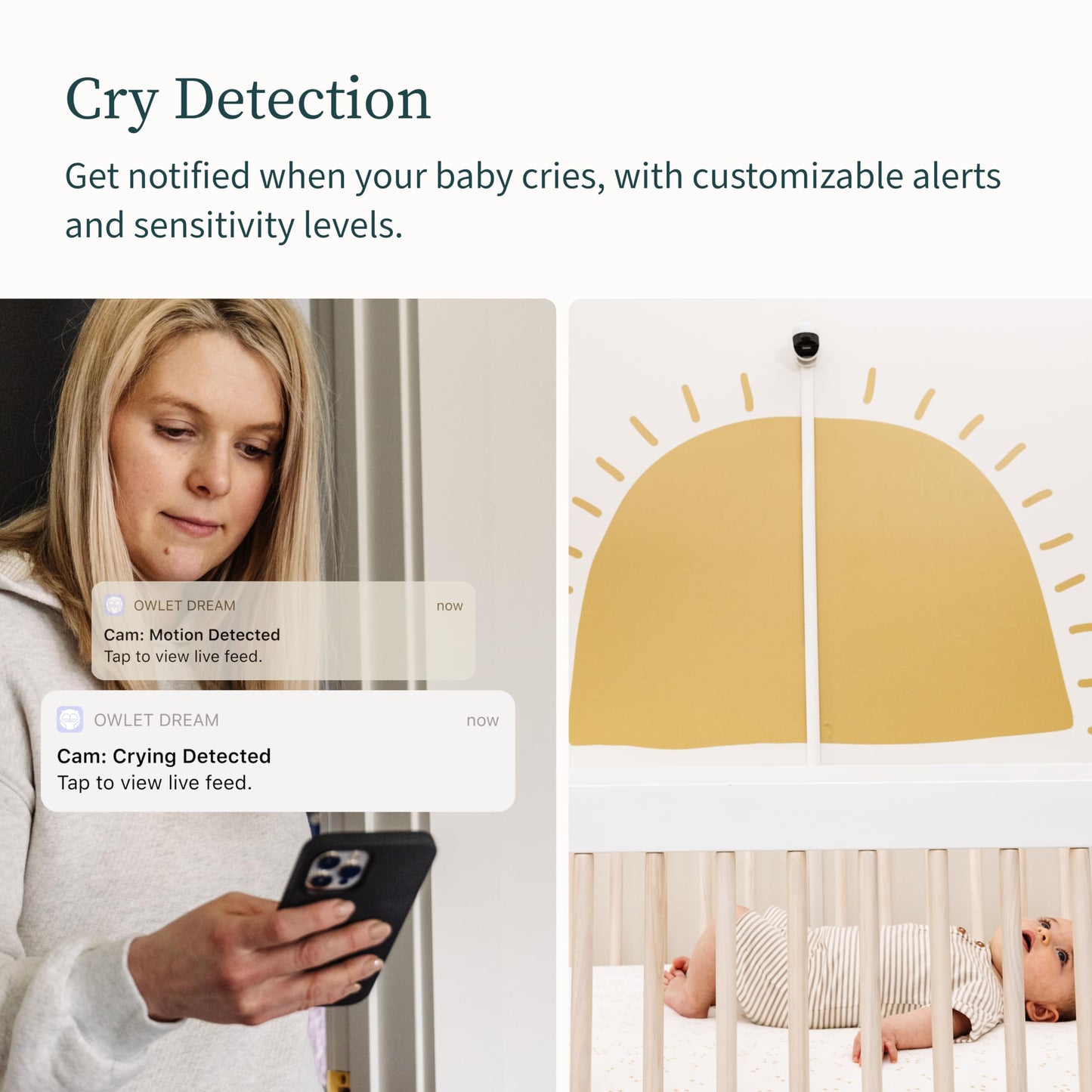
Cam 2 Baby Monitor Lets you Stream secure 1080p HD video & audio from anywhere. Tune into a secure WiFi stream of Baby


Frequently Asked Questions
- Q: What are the dimensions of the Owlet Cam 2? A: The dimensions are seven point eight three inches in length, three point three inches in width, and six point five inches in height.
- Q: What material is the Owlet Cam 2 made of? A: The Owlet Cam 2 is primarily made of a durable plastic material.
- Q: Does the Owlet Cam 2 contain any hazardous materials? A: Yes, it contains lithium ion batteries, which are included in the equipment.
- Q: How do I set up the Owlet Cam 2? A: To set up the Owlet Cam 2, download the Owlet app, plug in the camera, and follow the on-screen instructions to connect it to your WiFi.
- Q: Can I use the Owlet Cam 2 with any smartphone? A: Yes, the Owlet Cam 2 is compatible with most smartphones that can run the Owlet app.
- Q: Is the Owlet Cam 2 suitable for all ages? A: Yes, the Owlet Cam 2 is designed for parents with infants and toddlers.
- Q: How do I keep the Owlet Cam 2 clean? A: To clean the Owlet Cam 2, use a soft, damp cloth to wipe the exterior, ensuring that no moisture enters the camera.
- Q: How should I store the Owlet Cam 2 when not in use? A: When not in use, store the Owlet Cam 2 in a cool, dry place, avoiding direct sunlight.
- Q: What safety features does the Owlet Cam 2 have? A: The Owlet Cam 2 features encrypted WiFi streaming, night vision, and notifications for sound, motion, and crying.
- Q: How does the Owlet Cam 2 compare to other baby monitors? A: The Owlet Cam 2 offers HD streaming, night vision, and advanced notifications, making it a strong competitor to other models.
- Q: Is the Owlet Cam 2 a good choice for first-time parents? A: Yes, the Owlet Cam 2 is user-friendly and provides essential monitoring features for first-time parents.
- Q: Can I return the Owlet Cam 2 if I am not satisfied? A: Yes, the Owlet Cam 2 typically comes with a return policy; check the retailer's specific terms for details.
- Q: What should I do if my Owlet Cam 2 arrives damaged? A: If your Owlet Cam 2 arrives damaged, contact the retailer's customer service immediately to initiate a return or exchange.
- Q: What if I have trouble connecting my Owlet Cam 2 to WiFi? A: If you have trouble connecting, ensure your WiFi is functioning properly and follow the troubleshooting steps in the app.
- Q: How can I ensure my Owlet Cam 2 stays up to date? A: To keep your Owlet Cam 2 updated, regularly check the app for software updates and install them as prompted.