

You will not be allowed to compare more than 4 products at a time
View compareMotorola Nursery Connect40 Baby Monitor (Binatone) (Vm40Connect)
Motorola Nursery Connect40 Baby Monitor (Binatone) (Vm40Connect)
Regular price
$146.12 USD
Sale price
$146.12 USD
Regular price
$146.12 USD
Unit price
per
Shipping calculated at checkout.
Out of stock
Out of stock
Sold by CuteBabyBuy — Trusted baby & kids' products store, operated by AmiVentures Inc.
Returns accepted within 30 days | support@cutebabybuy.com
Shipping Information
- Free Standard Shipping — United States only
- Processing Time: 3–5 business days
- Estimated Delivery: 6–10 business days after dispatch
- Securely packed to ensure your purchase arrives in perfect condition
- Tracking number sent via email once dispatched
Returns & Refund
Returns accepted within 30 days of delivery.
Damaged or Defective Item
Free return shipping + replacement or full refund
Wrong Item Received
Free return shipping + replacement or full refund
Change of Mind
Return shipping at customer's expense · Item must be unused & in original packaging
All returns require a Return Authorization (RA) number before sending.
View Full Return & Refund Policy
Safety & Compliance
⚠️
California Proposition 65 Warning
Some products sold on this website may expose you to chemicals known to the State of California to cause cancer, birth defects, or other reproductive harm.
www.P65Warnings.ca.gov
🛒
General Product Safety Advisory
Always read the product label, instructions, and safety warnings before use. Do not use damaged or modified products. Store products in appropriate conditions as specified by the manufacturer.
Keep all products out of reach of children unless specifically designed for their use.
ℹ️
Product Authenticity & Notice
All products sold by CuteBabyBuy are 100% authentic, sourced directly from trusted suppliers in the USA. Product colors and dimensions may vary slightly from images due to screen calibration and manufacturing tolerances.
CuteBabyBuy — Operated by AmiVentures Inc. Delivered Nationwide.
Share
Couldn't load pickup availability
Guarantee safe and secure checkout
Description
Description
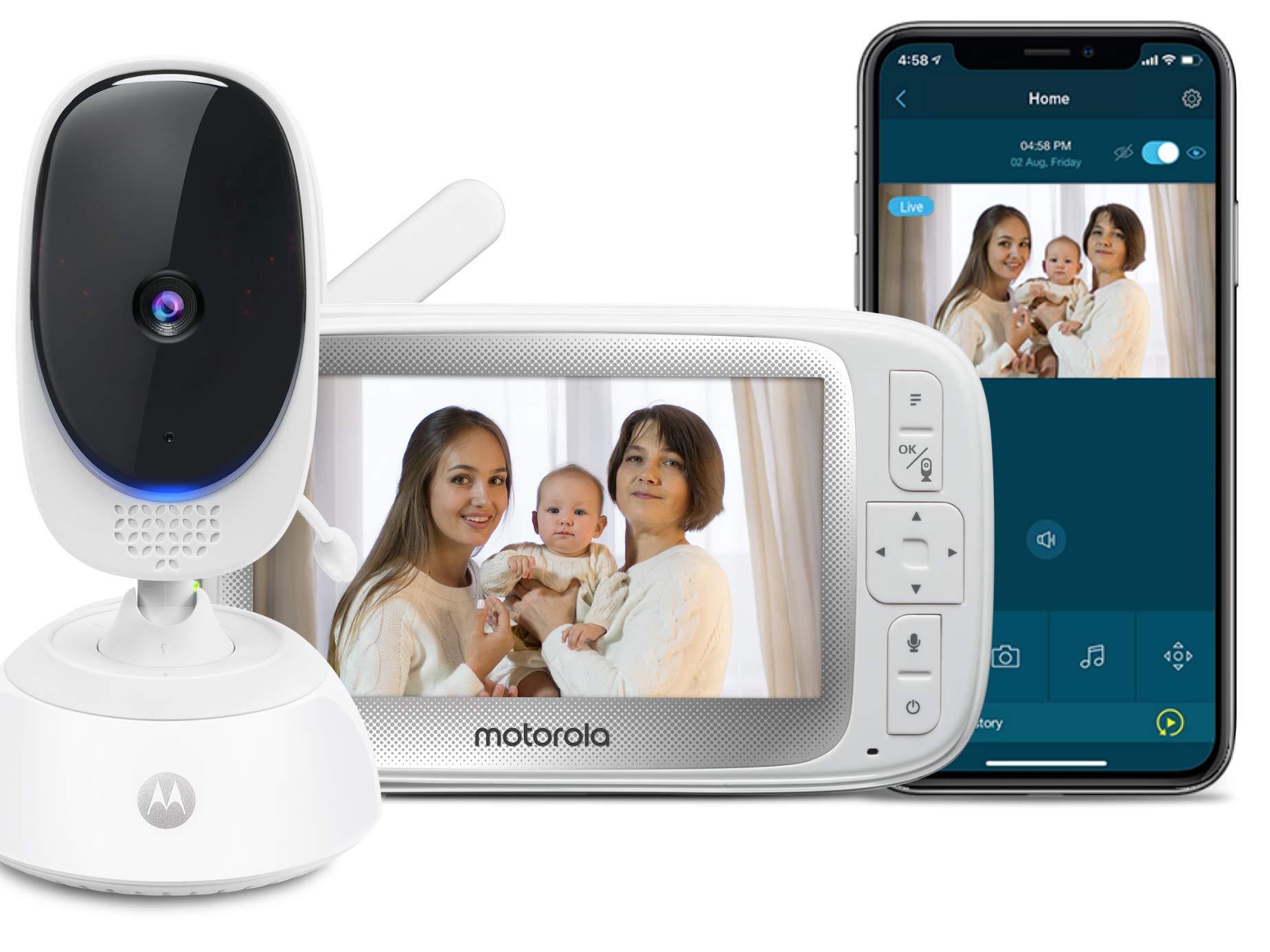
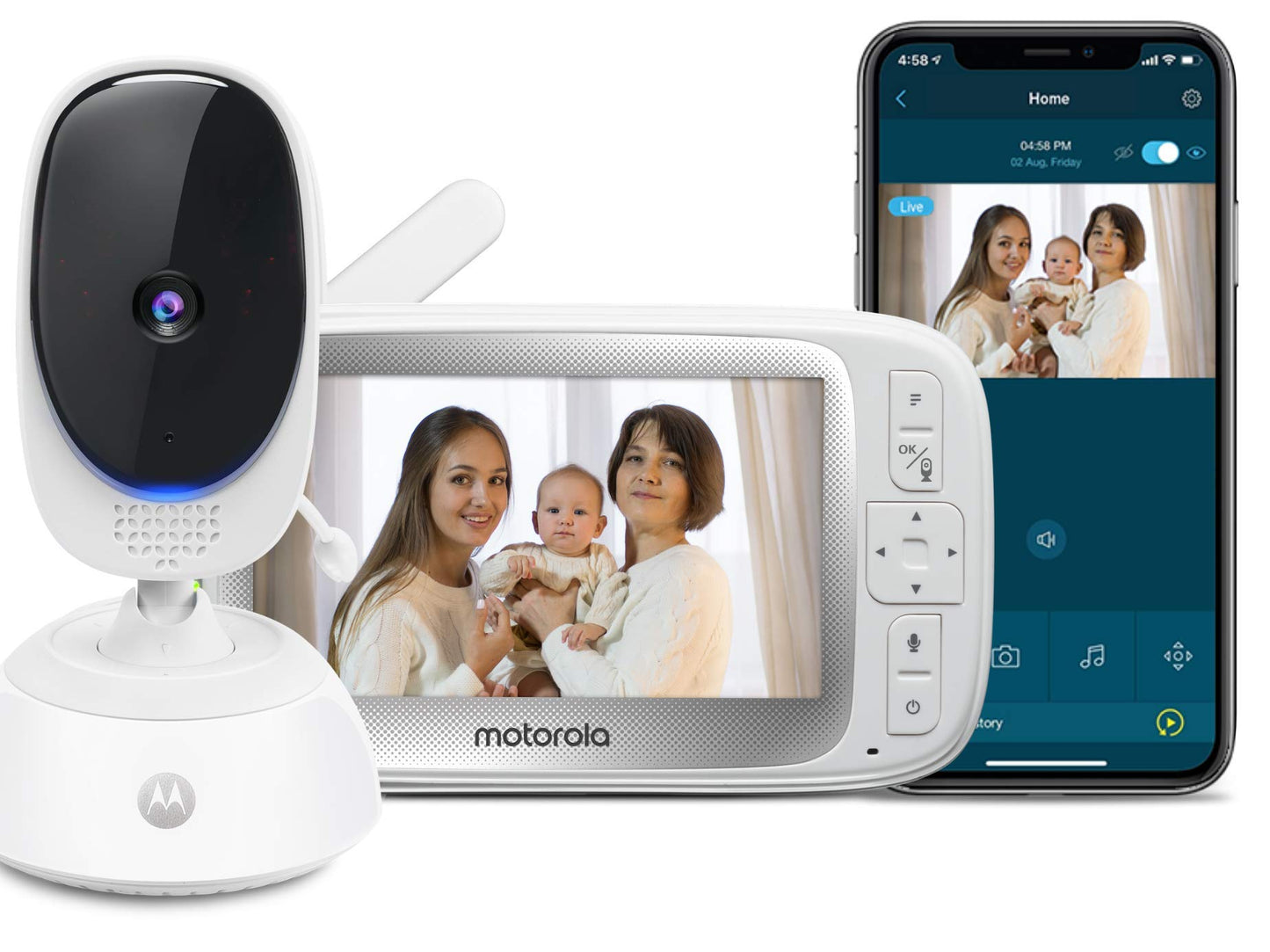
NEED AN EXTRA PAIR OF EYES & EARS FOR MONITORING YOUR HOME? Every time you head out for work or go on a business trip, you have to leave your house and loved ones behind. As the day goes by, various questions pop in your head, such as, 'Is my baby doing okay?', 'What is my pet up to right now?', or 'Is the new housekeeper being careful with our things?' You are already dealing with a tough day and you just can't afford to stay worried the whole time. The Connect40 by Motorola allows you to monitor your loved ones and home, while you are out and about.

Frequently Asked Questions
- Q: What are the dimensions of the Motorola Nursery CONNECT40 Baby Monitor? A: The dimensions of the Motorola Nursery CONNECT40 Baby Monitor are not specified. However, it features a five inch display for easy control.
- Q: What type of batteries does the Motorola CONNECT40 require? A: The Motorola CONNECT40 uses lithium ion batteries. These batteries are packed with the equipment for optimal performance.
- Q: What is included in the Motorola CONNECT40 package? A: The Motorola CONNECT40 package includes the baby monitor unit, power adapter, and user manual. It is designed for easy setup and use.
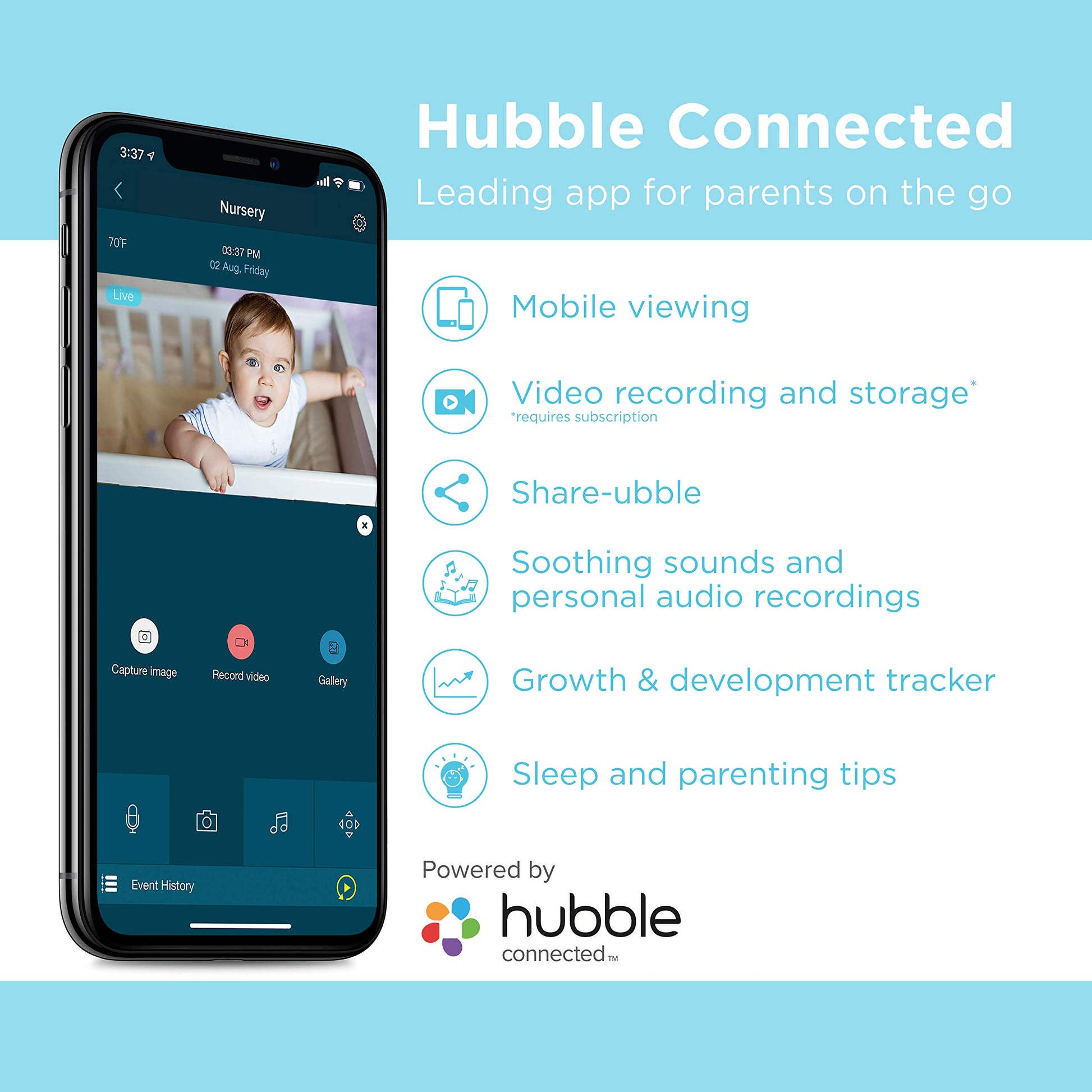
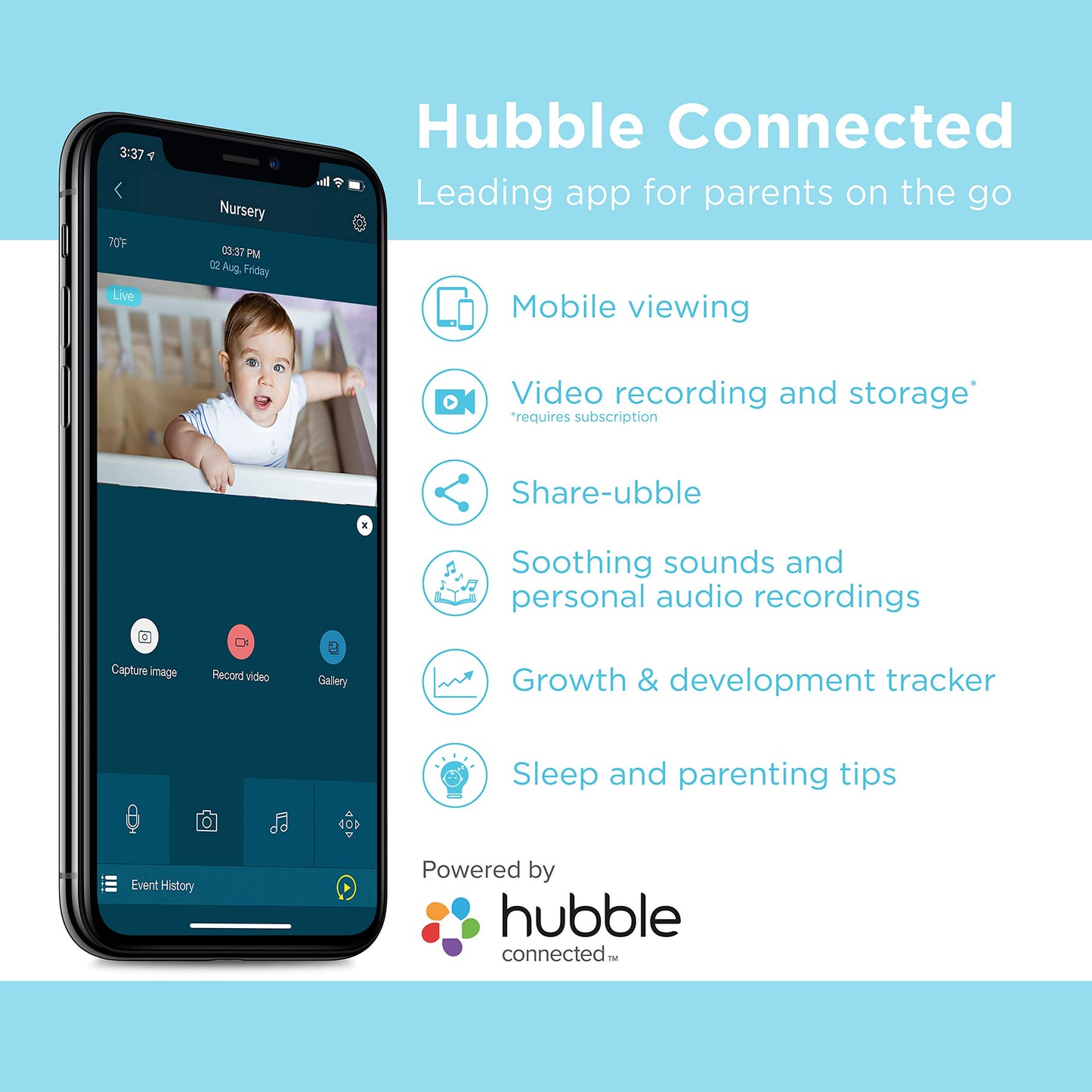
- Q: How do I set up the Motorola CONNECT40 Baby Monitor? A: To set up the Motorola CONNECT40, download the Hubble Connected app and follow the in-app instructions. This app helps you connect the monitor to your home Wi-Fi.
- Q: Is the Motorola CONNECT40 suitable for monitoring pets? A: Yes, the Motorola CONNECT40 is versatile and can be used to monitor pets. It allows for two-way audio communication, so you can interact with your pet remotely.
- Q: Can I use the Motorola CONNECT40 for elderly care? A: Yes, the Motorola CONNECT40 is suitable for monitoring elderly loved ones. Its features allow for constant surveillance and communication.
- Q: How do I clean the Motorola CONNECT40 Baby Monitor? A: To clean the Motorola CONNECT40, use a soft, dry cloth to wipe the exterior. Avoid using any harsh chemicals or abrasive materials.
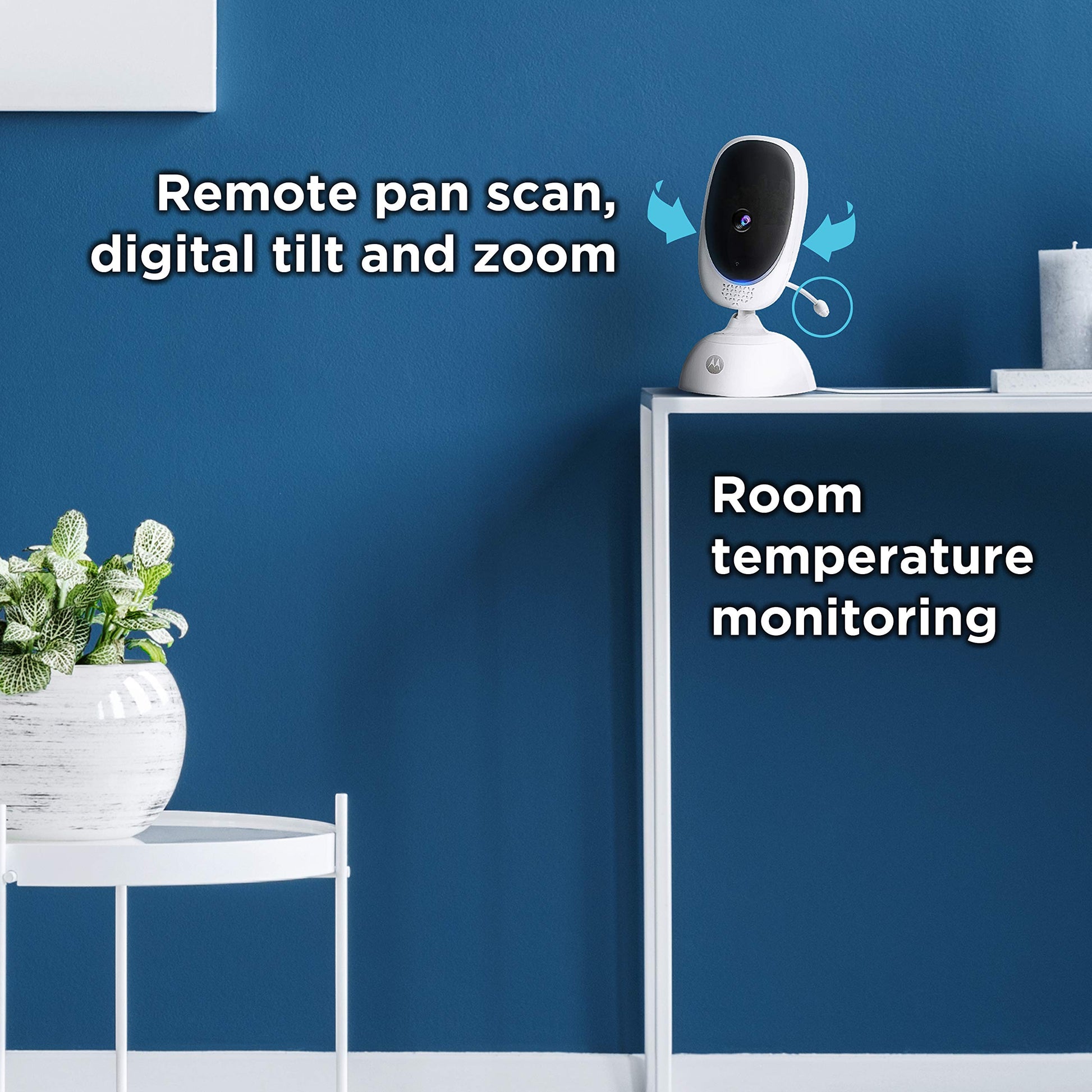
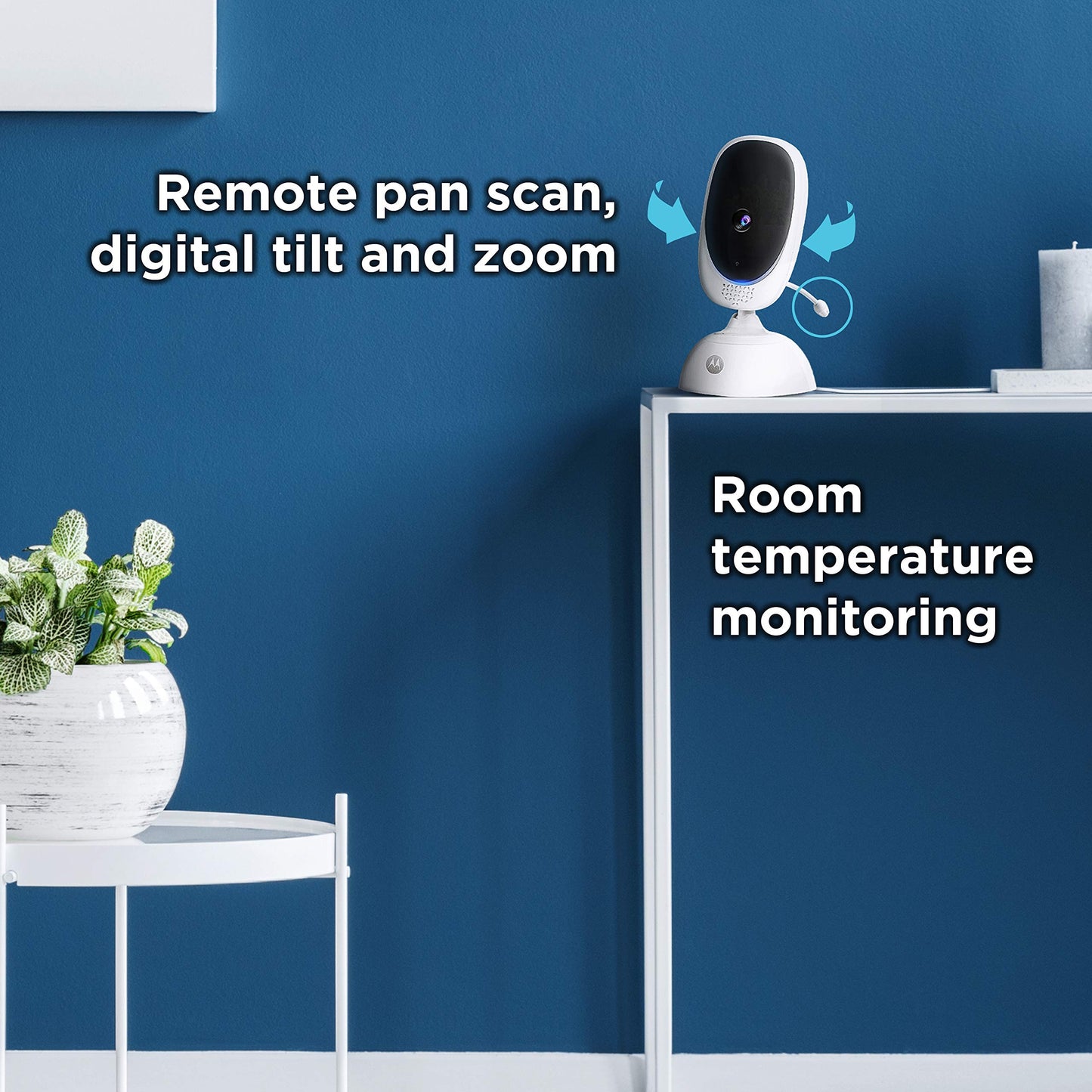
- Q: What safety features does the Motorola CONNECT40 have? A: The Motorola CONNECT40 includes infrared night vision for around-the-clock monitoring. This ensures visibility in low-light conditions.
- Q: How long does the battery last on the Motorola CONNECT40? A: The battery life for the Motorola CONNECT40 varies based on usage. It’s recommended to keep it plugged in for continuous monitoring.
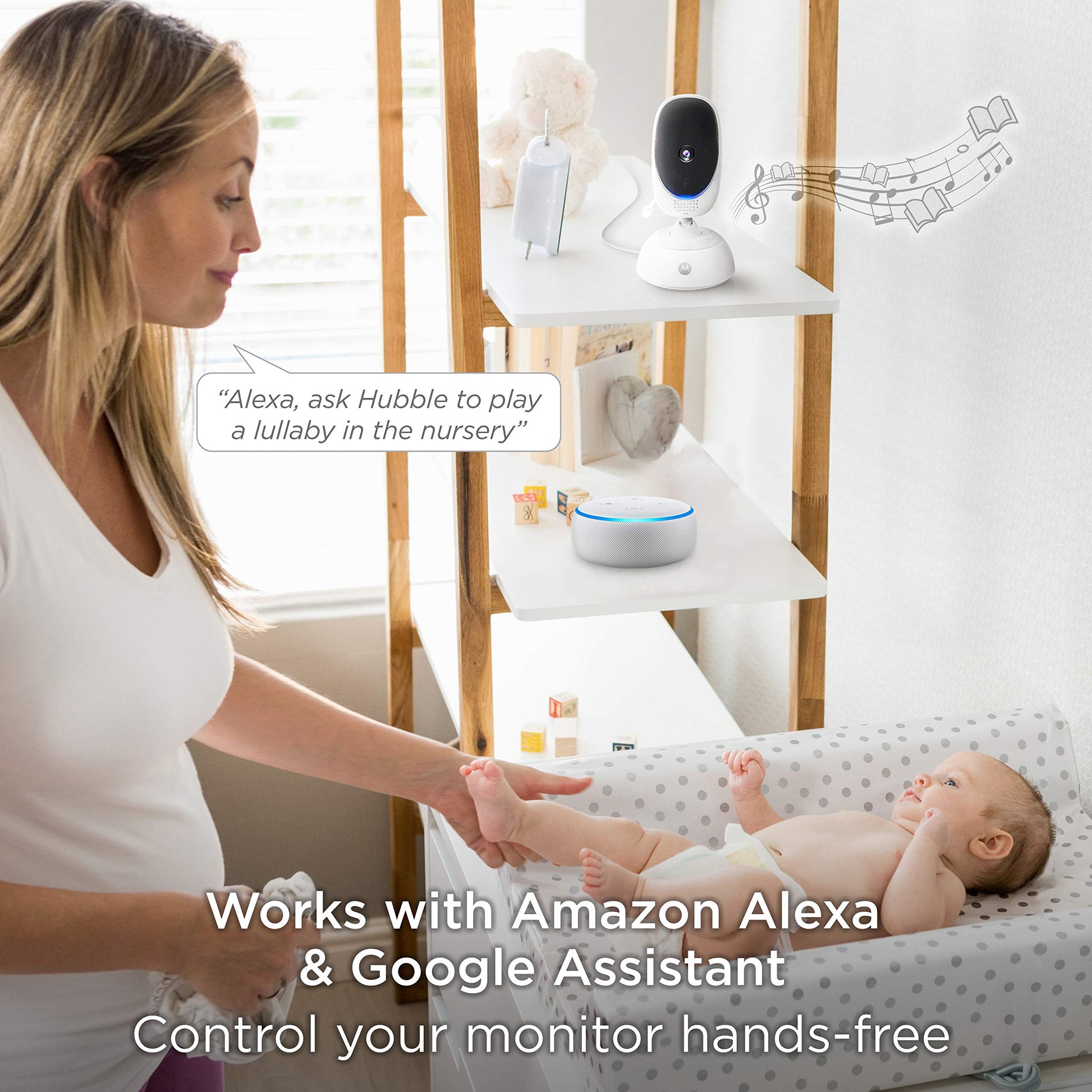
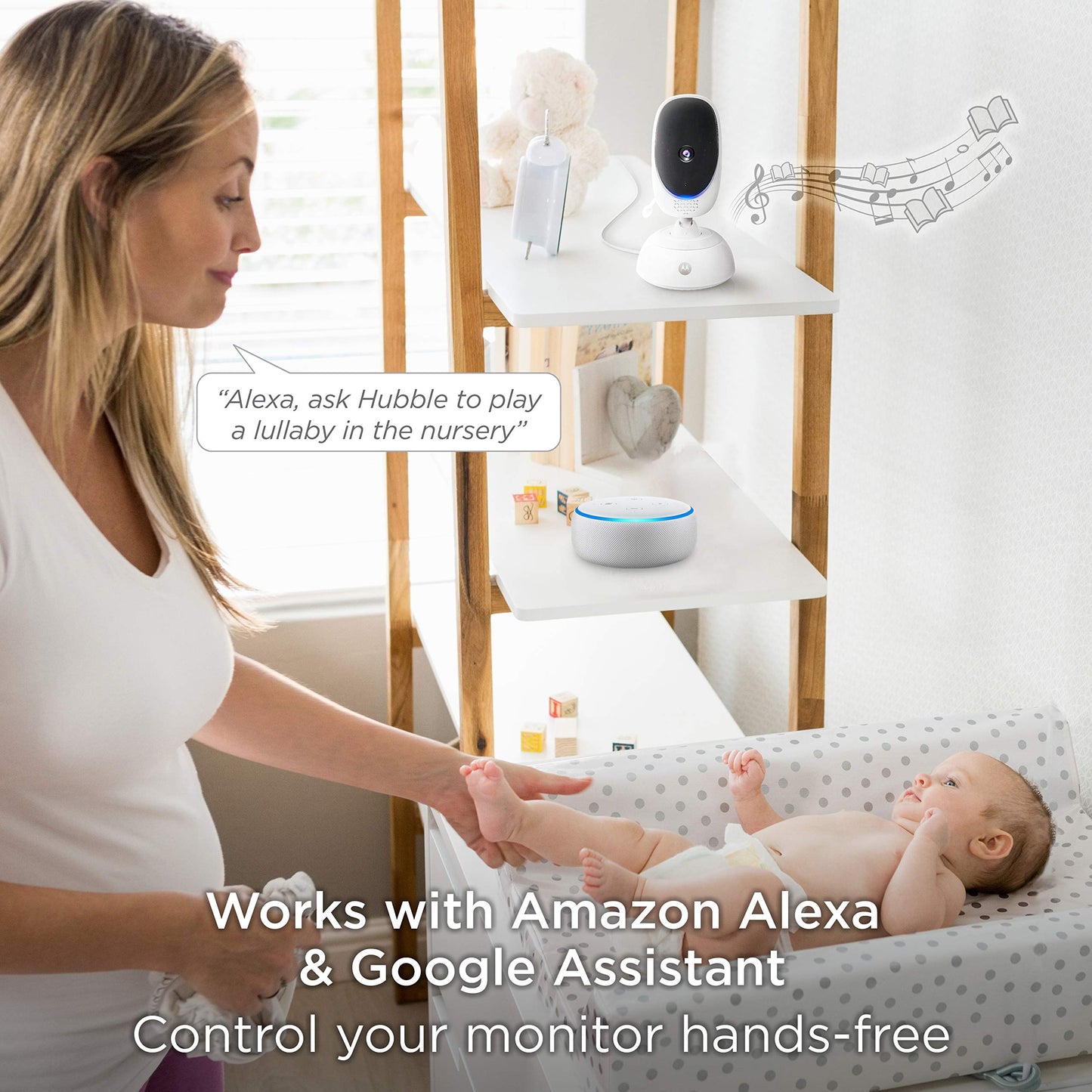
- Q: Is the Motorola CONNECT40 compatible with smart devices? A: Yes, the Motorola CONNECT40 can be paired with compatible smart devices. This allows for remote viewing and control from your smartphone.
- Q: What should I do if my Motorola CONNECT40 monitor doesn't turn on? A: If the Motorola CONNECT40 does not turn on, check that it is properly plugged in and the outlet is functional. If issues persist, consult the user manual.
- Q: Does the Motorola CONNECT40 have a warranty? A: Yes, the Motorola CONNECT40 typically comes with a manufacturer's warranty. Check the warranty details provided in the user manual for specifics.
- Q: Can I return the Motorola CONNECT40 if I'm not satisfied? A: Yes, you can return the Motorola CONNECT40 within the return period specified by the retailer. Ensure the product is in original condition for a full refund.
- Q: What features does the Hubble Connected app provide for the Motorola CONNECT40? A: The Hubble Connected app offers sleep and parenting tips, growth and development tracking, and access to additional features with a subscription.
- Q: Is the Motorola CONNECT40 monitor easy to install? A: Yes, the Motorola CONNECT40 is designed for easy installation. The user-friendly app guides you through the process step by step.
- Q: Does the Motorola CONNECT40 include a night light feature? A: No, the Motorola CONNECT40 does not have a built-in night light feature. However, it does provide infrared night vision for visibility in the dark.